
Game Tested Tech Tools
PC Bottleneck Calculator
Use our hardware bottleneck checker to pair a CPU and GPU, compare estimated game FPS by resolution, and explore upgrade limits.
Build your pairing
This hardware bottleneck checker starts with the parts you own. Choose an upgrade to compare its modeled FPS change. FPS estimates describe average throughput, not 1% lows or guaranteed match performance.
Fortnite
Performance Mode DX12, native 100% render scale, RT off
Reference quality: Current Performance preset; system-ceiling proxy
Choose your CPU and GPU to see results.
Game performance by resolution
Native rendering, RT off, no upscaling or generated frames. Each cell shows modeled average FPS and a broad planning range. Provisional profiles are marked; they need stronger calibration before purchase decisions.
Choose both parts above to compare performance at 1080p, 1440p and 4K.
How the estimate works & benchmark sources
Each game has separate CPU and GPU anchors. Published component-specific game results take priority; other parts scale by their relative gaming index. GPU resolution anchors are game-specific. Missing resolutions follow the selected GPU’s own observed pixel-scaling curve when two results exist; otherwise they follow the game reference curve and are marked extrapolated. The lower modeled ceiling, or the game's frame cap, sets the estimate.
Ranges use each profile's editable uncertainty band (35–45% for the supplied profiles). They are editorial heuristics, not statistical confidence intervals. CPU/GPU sources can differ in presets, scenes, patches, memory and drivers. In particular, Overwatch Low is explicitly provisional and uses Medium measurements unchanged; CS2 uses historical Low community tests with mixed systems. Decimal changes are model comparisons, not guaranteed upgrade gains. Physical compatibility and VRAM overflow are not simulated.
Current Performance preset; system-ceiling proxy
TechSpot May 2026: 9800X3D + RTX 5070 Ti, 733 FPS at 1440p and 638 at 4K; RX 9070 XT 728 / 528. The 1440p result is partly CPU-limited and is used as a conservative CPU ceiling proxy, not an isolated CPU measurement. 1080p is extrapolated from the observed game resolution curve. Creative scenes, crowded endgames and patches vary widely. Epic v37.00 identifies current Performance mode as DX12; legacy DX11 is not this profile.
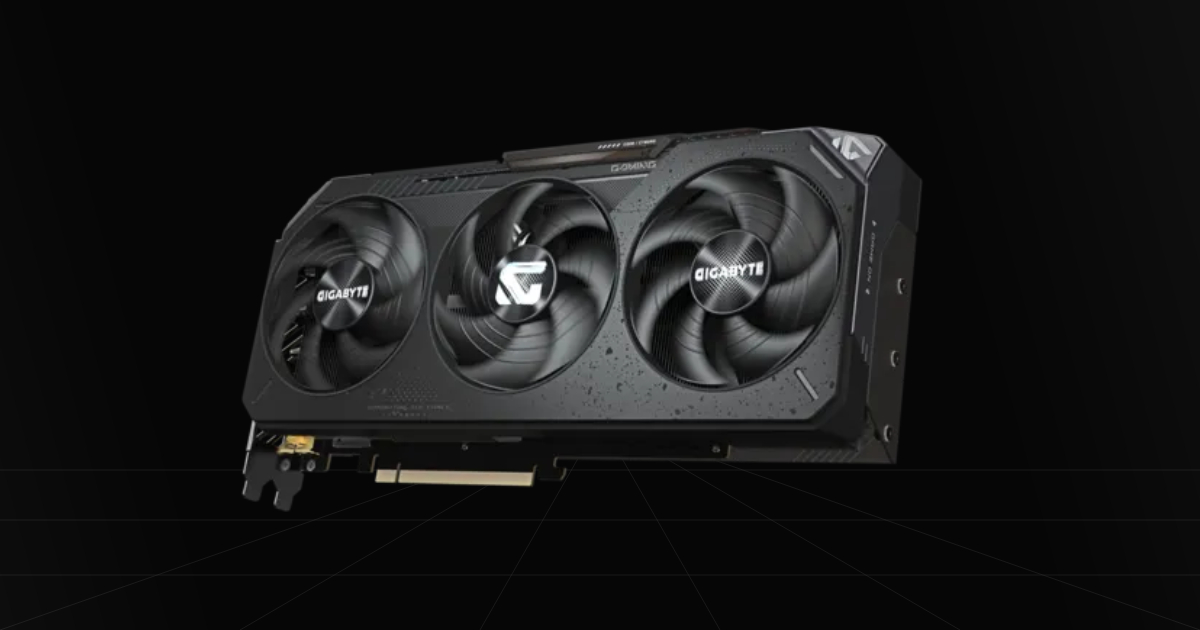
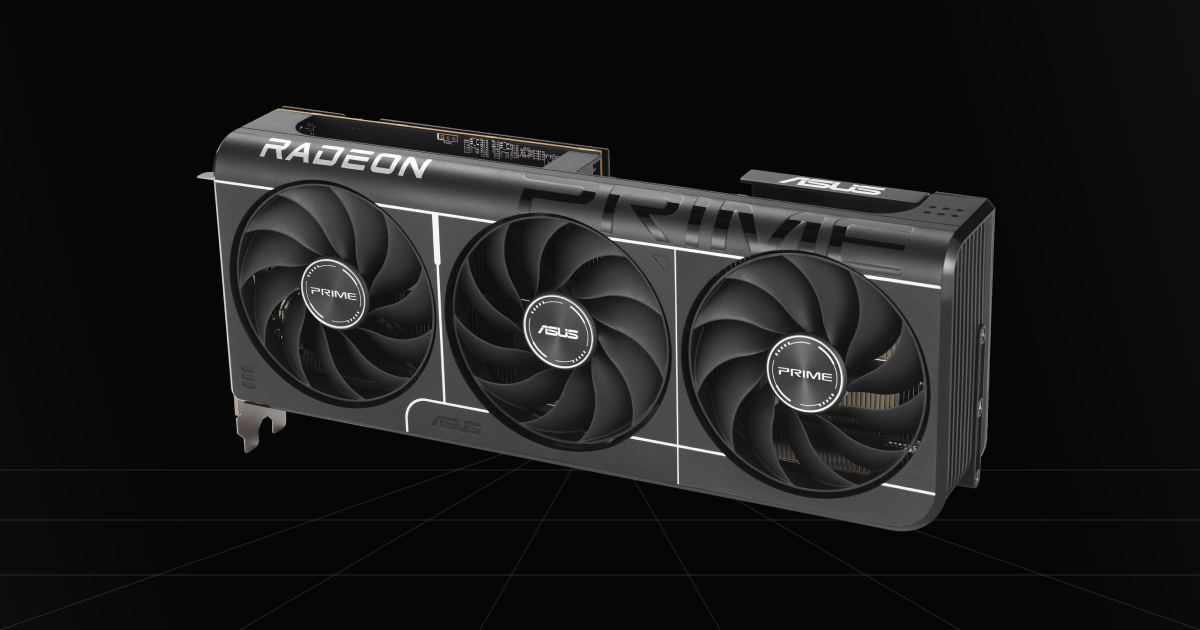
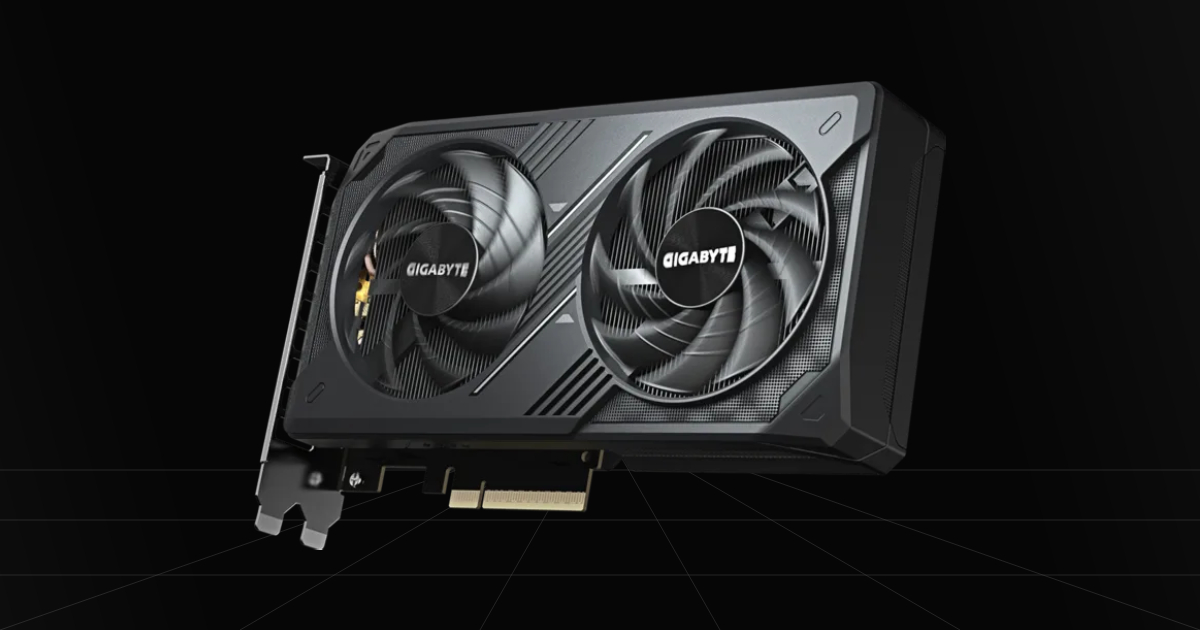
CPU game referenceGPU game referenceComponent photos (11)
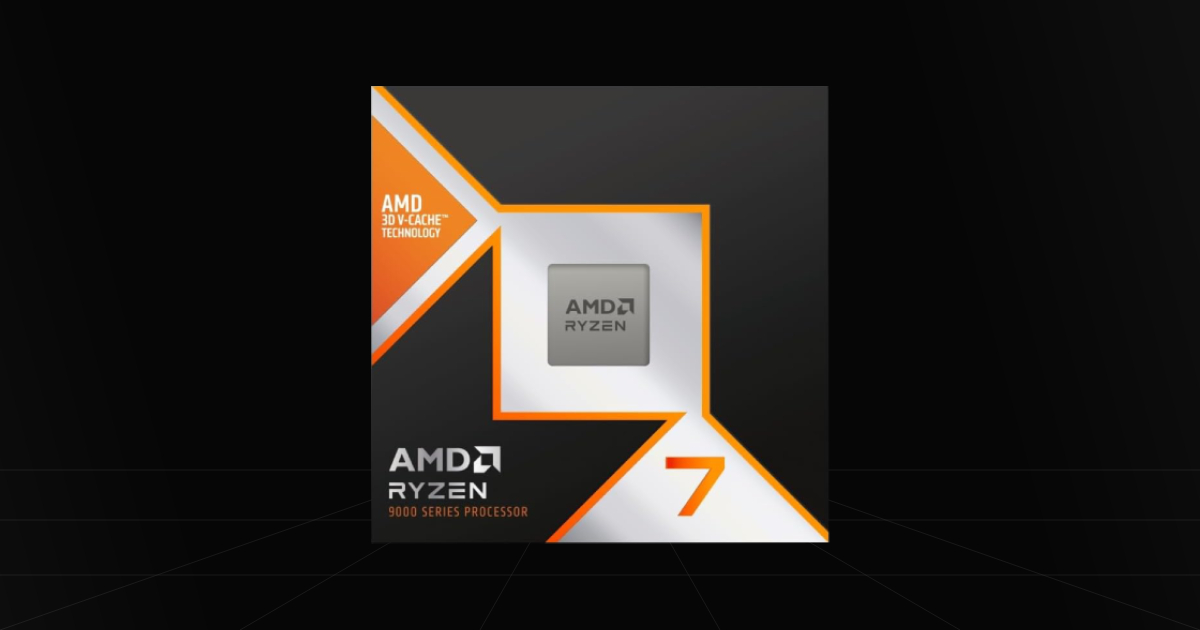
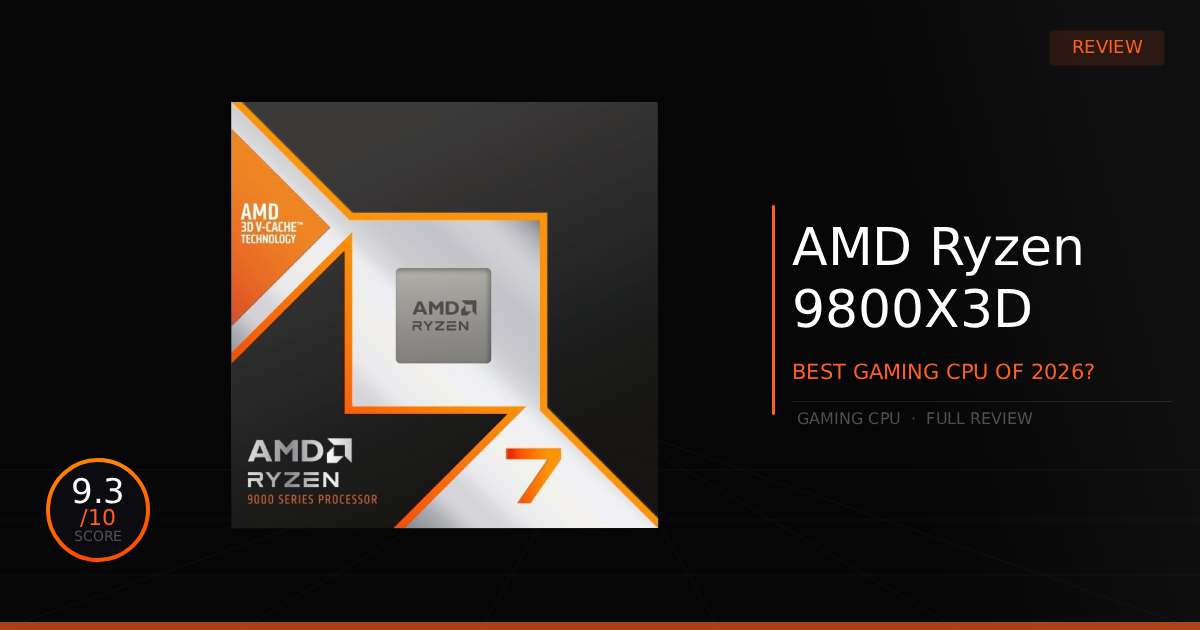
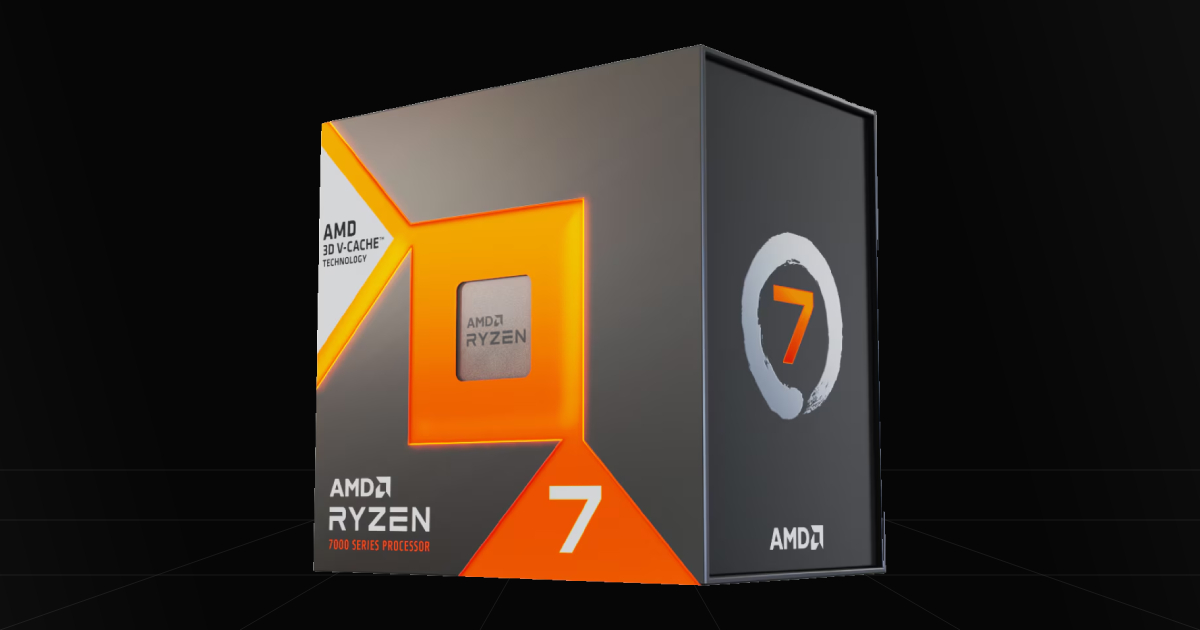
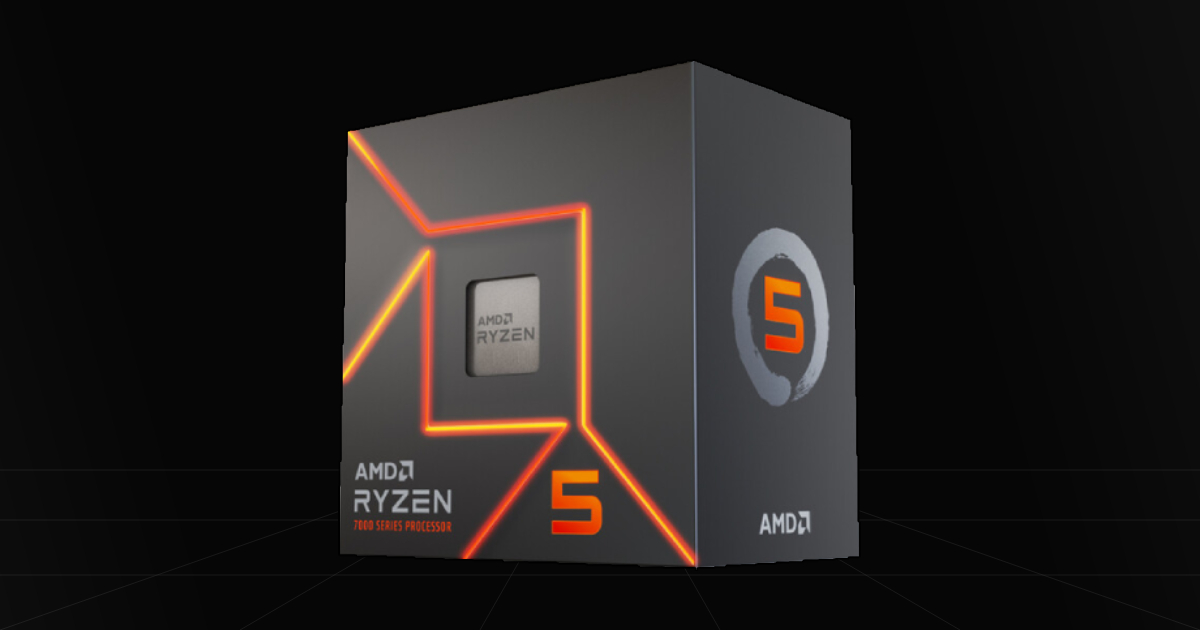
Photos from the current tool catalog. Select a part above for specifications and product links.
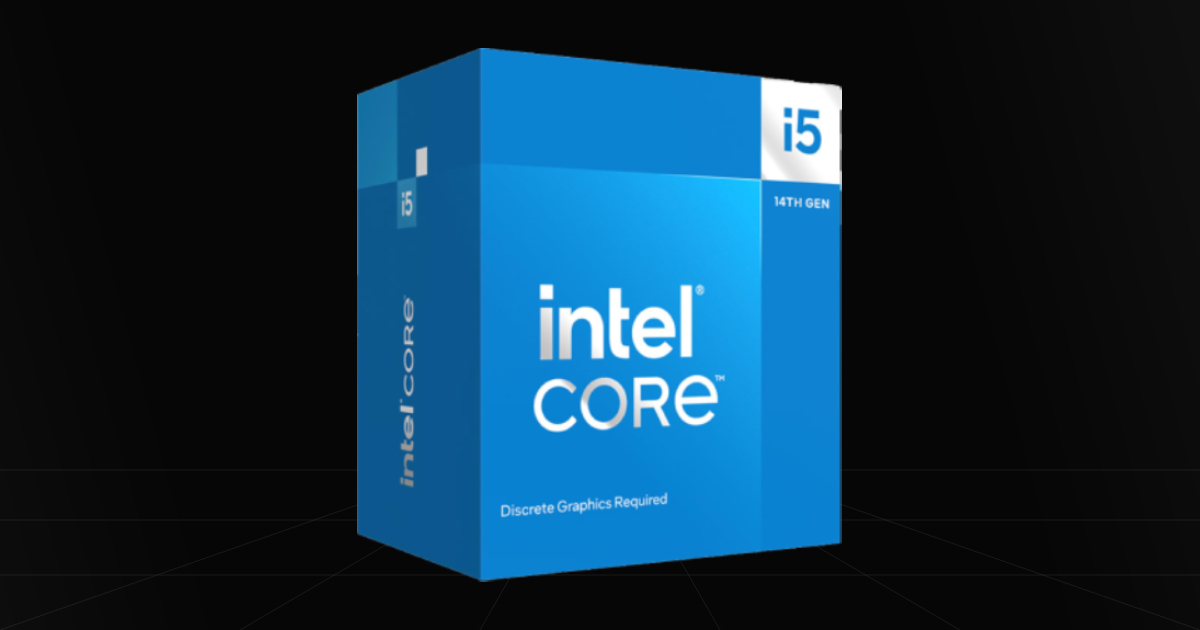
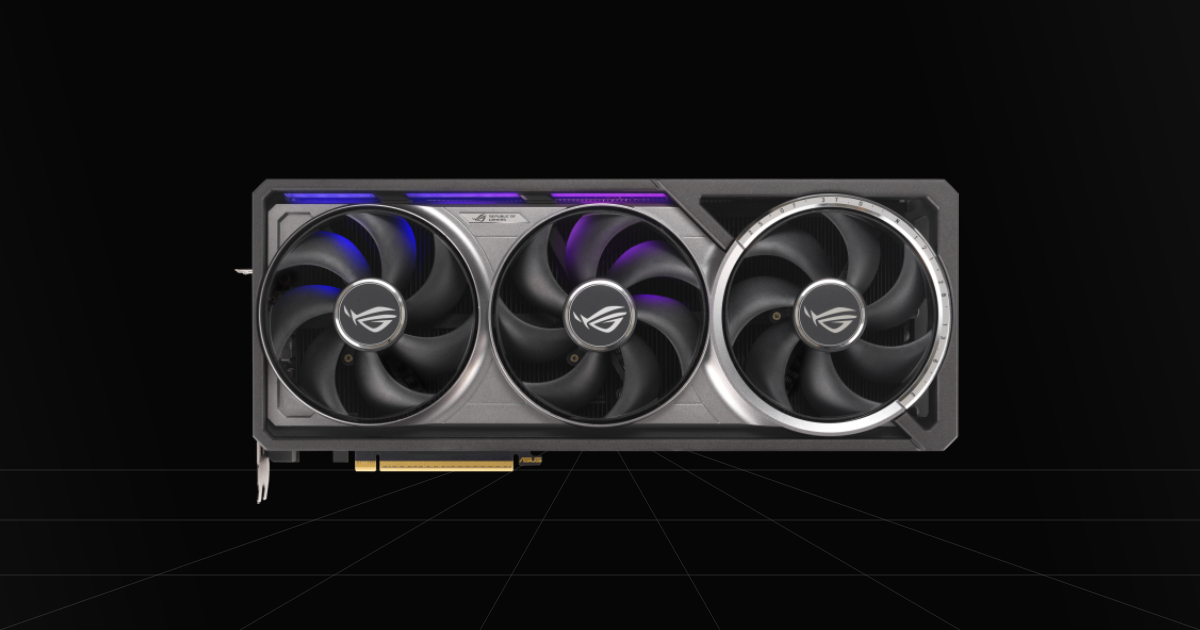
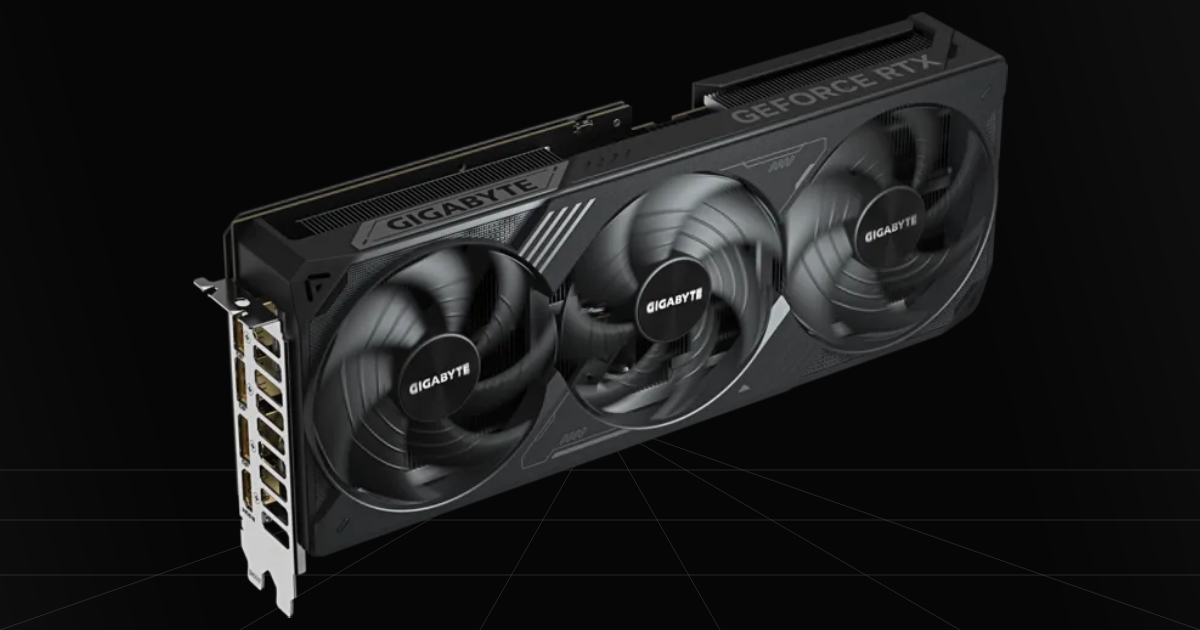
How accurate are the FPS estimates?
These are broad planning ranges, not tests of your exact PC. The model scales published game reference results using relative CPU and GPU gaming indices, then takes the lower ceiling. Per-game published component results take priority. Historical test suites are normalized through shared parts. A profile-specific 35–45% band is a heuristic, not a statistical confidence interval; real results can fall outside it. No ray tracing, upscaling, frame generation, RAM shortage, or overclocking is modeled. Read the methodology and sources in the tool before buying.
Why does the bottleneck change between games?
A CPU runs game logic while the GPU renders frames. Resolution, settings, engine, scene, drivers, and RAM all change their workloads. The result describes the selected game model; it is not a permanent bottleneck percentage or a physical compatibility check.
More tools for your setup
Mouse Sensitivity Converter
Convert mouse sensitivity between VALORANT, CS2, Fortnite, Apex and more. Calculate eDPI, match cm/360, adjust DPI and convert supported ADS settings.
Open toolFOV & Viewing Distance
Find a practical starting distance for your monitor, understand what the result means, and convert game field-of-view angles.
Open toolPC Power & PSU Calculator
Choose your CPU and GPU, budget power for your build, and find a suitable PSU capacity with product options to compare.
Open tool