Affiliate Disclosure: Some links in this article may earn us a small commission if you make a purchase, at no additional cost to you.
Why the Apex Pro Mini is Still a Good Keyboard choice in 2026
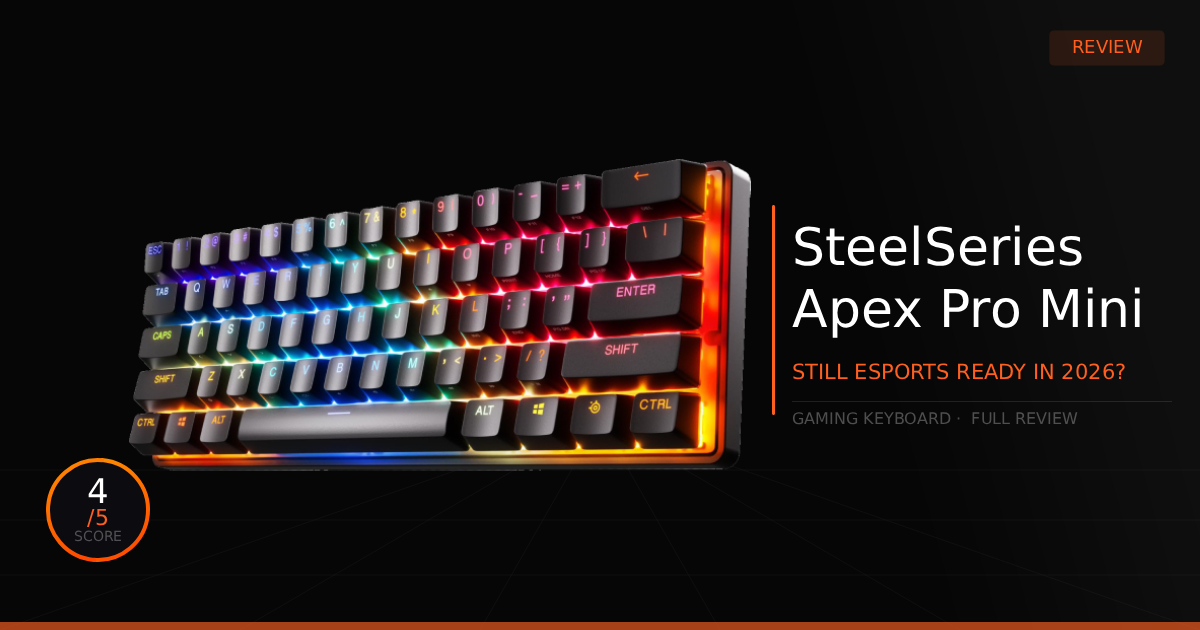
While this keyboard was released in 2023 and is a bit outdated now, this board is truly underrated. It holds its own with OmniPoint 2.0 switches, and was easily one of the most popular choices for pro esports players. It was so popular due to high availability and rivaling Wooting while managing to go on sale as low as $120. While it might not be the absolute best keyboard on the market, it certainly holds its own in the competitive scene.
GTT Quick Score: 4/5
Quick Verdict:
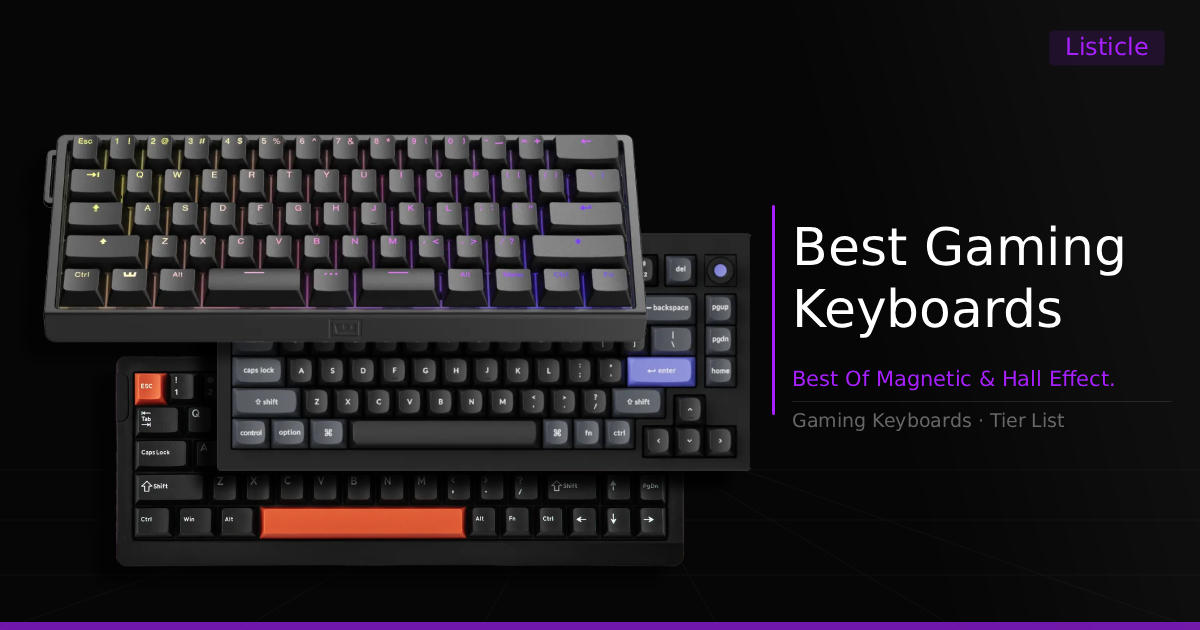
The Apex Pro Mini is an underrated option that holds its own in the competitive scene, making it one of the best keyboards you can buy when found at a great sale price. However, if you want the absolute best of the best or want to avoid known trade-offs like dying blue LEDs and bloated software, you should save up for a Wooting 60HE V2 or consider a newer model in our roundup of the best magnetic and Hall Effect gaming keyboards.
➔ Check Price At Amazon
➔ Check Price At Newegg
Our Summary:
The Apex Pro Mini is one of the best keyboards you can buy when you find it at a great price. This board specifically targets players looking for a competitive edge in titles like Fortnite, Valorant, CS2, or even osu!. It achieves this by offering fully customizable actuation points ranging from 0.1mm to 4.0mm and also provides low latency feedback with OmniPoint 2.0 switches. The one major drawback that might impact a casual user is the longevity of the SteelSeries RGB.
How this improves your gaming:
Having control over the actuation point for gaming makes for extremely precise and fast control over your game mechanics, giving you a slight edge with in game movement, faster response, and optimal customization almost like having a mouse sensitivity for your keyboard.
Apex Pro Mini: The Specifications
Specifications | Apex Pro Mini Details | Why It Matters for Gaming |
|---|---|---|
Custom Actuation Point | Adjustable from 0.1mm to 4.0mm | Allows for full customization of press-to-action latency. You can set a hair-trigger 0.1mm depth for ultra-fast, near-instantaneous keypress registration, ensuring much faster action when you press a key. |
Rapid Trigger Technology | Hyper-responsive dynamically adjusting reset points from 0.1mm to 4.0mm | Changes the required switch travel distance to register when a key is released. By instantly resetting the key the moment your finger begins to lift, it gives you faster stopping power for perfect counter-strafing in tactical shooters. |
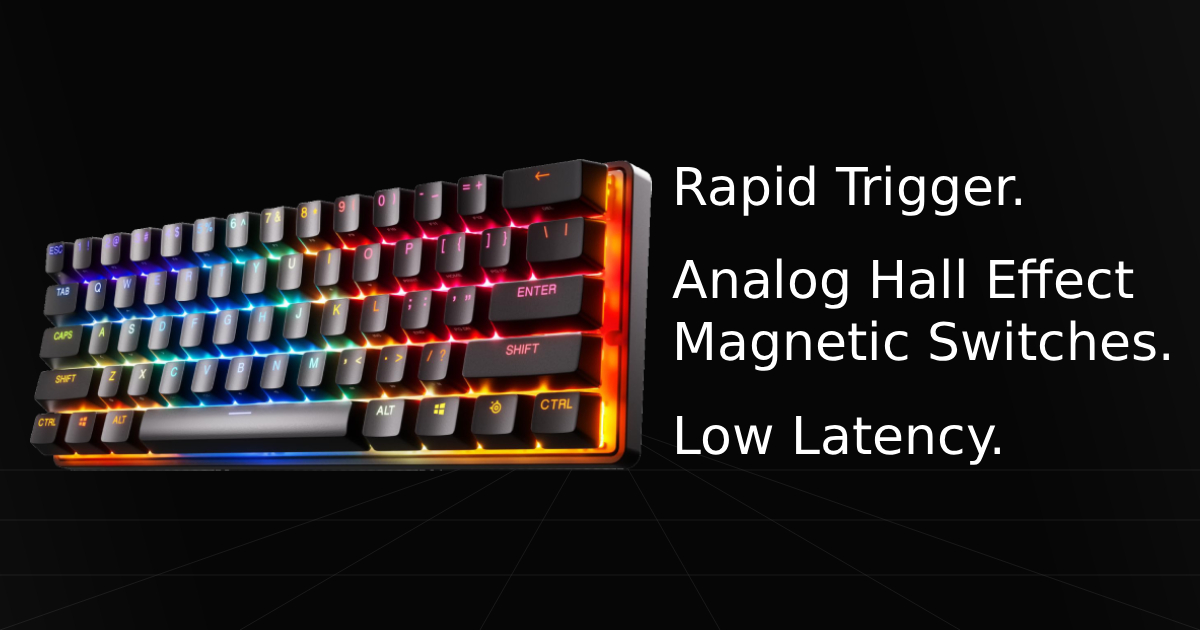
Magnetic Switch Type | OmniPoint 2.0 Magnetic Switches | This advanced, contact-free magnetic switch design is the core technology behind the keyboard's ultra-precise actuation points and rapid trigger settings, providing flawless speed and durability over standard mechanical switches. |
Connection Interface | Detachable USB Type-C Cable | Provides a highly convenient, clean, and universal port layout. The detachable braided cord makes it incredibly easy to pack into a travel bag for LAN tournaments or replace on the fly without buying a new keyboard. |
Wired Response Latency | Ultra-low 0.5ms to 1ms registration speed | Delivers incredibly fast response times for competitive gaming. It completely eliminates input lag, guaranteeing that your physical finger movements match your in-game actions with zero perceptible delay. |
Apex Pro Mini: Pros & Cons
Pros
Rapid Trigger Technology: Delivers unmatched reset speeds that reset the key the moment your finger lifts, providing perfect counter-strafing precision.
Extremely Low Latency: Features a highly optimized, near-zero lag processing pipeline that guarantees your inputs register instantly.
Fully Customizable Actuation Point Settings: Allows you to adjust individual keypress registration depths from a hair-trigger 0.1mm down to 4.0mm to match your personal playstyle.
Great RGB Customization for a 60% Keyboard: Offers vibrant, per-key lighting control and brilliant illumination profiles packed into a compact, space-saving footprint.
Cons
Blue LED Durability Issues: A known structural lifespan problem where the blue LEDs tend to die on SteelSeries keyboards after a period of extended usage, distorting color profiles.
0.1mm Jitter & Misclicks: Setting the OmniPoint 2.0 switches to an ultra-sensitive 0.1mm Rapid Trigger threshold can cause accidental jitter-clicking and frequent misclicks during intense gaming sequences.
Bloated & Buggy Software Engine: The desktop software suite can feel overly bloated and buggy at times, requiring a steep learning curve and extra time to master the interface.
Real World Use with the Apex Pro Mini
Our comparison for Apex Pro Mini vs Wooting 60HE V2 and how it holds up with the latest Esports gaming keyboard.
Specification | Apex Pro Mini Gen 2 | vs. Wooting 60HE V2 |
|---|---|---|
Switch Sound | Mid - Quiet but doesn't have satisfying clicks. | Far Improved - Probably the best sounding analog gaming keyboard on the market. |
Switch Feeling | Good but a bit light at times, definitely requires more fine tuning to make it comfortable. | Probably the best out of box switches but its still analog, will require some fine tuning to find your comfort play. |
Gaming Latency | Good Hall Effect switches that control switch action well. | Great, again the best at a higher cost. The best hall effect switches plus 8000hz polling rate. Enabling technically lower latency. Probably unnoticed by most though. Minor improvement. |
Daily Typing | Tie - Mostly gonna be personal preference, its a gaming keyboard. | Tie - This one might feel slightly better while sounding better but still personal preference for typing. |
Daily Use & Performance
We're going to double down on the LED dying issue. Its a known issue and SteelSeries even provides replacements under warranty. This is a massive issue in our eyes and not very fair to the customers. Admittedly, this usually happens a year to two years after receiving the new product or not at all for lucky customers but many casual buyers run into this issue with disappointment. Sometimes even within months.
Outside of the LED issue, its a great keyboard. It handles gaming, typing, and customization extremely well, mainly the best part improving gameplay experience. Sometimes you will be restarting the software when you run into bugs which can be a bit annoying but gladly doesn't happen often. So if you can get this board on a deal during a sale, we'd say grab it.
Who Should and Shouldn't Buy:
Who Should Buy: Honestly, any casual gamer or competitive player just seeking a better keyboard experience while gaming when they find it on a deal.
Who Shouldn't Buy:
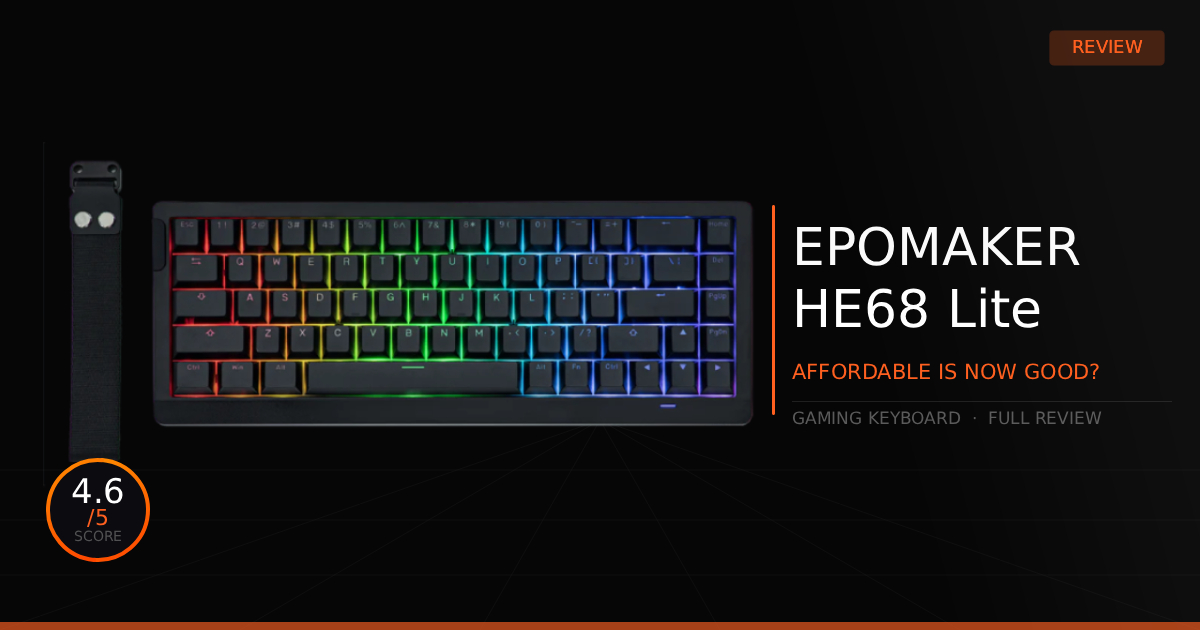
There are two scenarios where you shouldn't buy, this keyboard is far from perfect and if you're on an even tighter budget, there are other great options. Technically budget boards might be slightly higher in latency but most won't notice at all and then maybe a lack of good software development. Check out our budget keyboard recommendations such as our EPOMAKER HE68 Lite review.
The other scenario is if you want the absolute best, in this case you should already be looking at the latest such as the Apex Pro Mini Gen 3 or other brands like ASUS, Keychron, or most especially Wooting.
Game Tested Tech Score: 4/5
The Verdict
When looking for a more affordable keyboard that can still compete with the best in esports, the Apex Pro Mini is a top-tier option. The OmniPoint 2.0 switches are light and fast, but remain controllable for your comfort. This keyboard can definitely elevate high level gameplay, offering faster building in Fortnite and more precise mechanical play in tactical shooters.
Our Personal Advice
Our advice varies here, as I find it difficult to recommend the Gen 2 to absolutely everyone in 2026. While it still handles esports and general gaming at a high level, it does come with known trade offs, specifically the notorious SteelSeries "dying blue LEDs," occasional software bugs, and a fairly bloated software suite that can be frustrating to navigate during your initial setup.
Outside of these hurdles, this keyboard is pretty good, and I’ve personally used it as my daily for competitive gaming and having a small advantage. If you're looking for the absolute best or just something generally better, I would recommend considering the newer Apex Pro Mini Gen 3. It features upgraded OmniPoint 3.0 switches for even lower latency and significantly better control over key actuation points. For the absolute best of the best, I'll currently always recommend you save up for a Wooting 60HE V2, which takes top spot in our best gaming keyboards roundup.