Affiliate Disclosure: Some links in this article may earn us a small commission if you make a purchase, at no additional cost to you.
The EPOMAKER HE68 Lite Isn't Just Budget But Fills The Gap To Premium Hall-Effect Keyboards
Rapid Trigger, adjustable actuation points, and 8000Hz polling rate. You would probably assume I was talking about a premium gaming keyboard like the Wooting 60HE v2. Actually, not quite. I'm referring to the EPOMAKER HE68 Lite. While it isn't a premium board, it seems to provide a very similar competitive advantage. Let's look over these advantages and see if its features really have what it takes to compete.
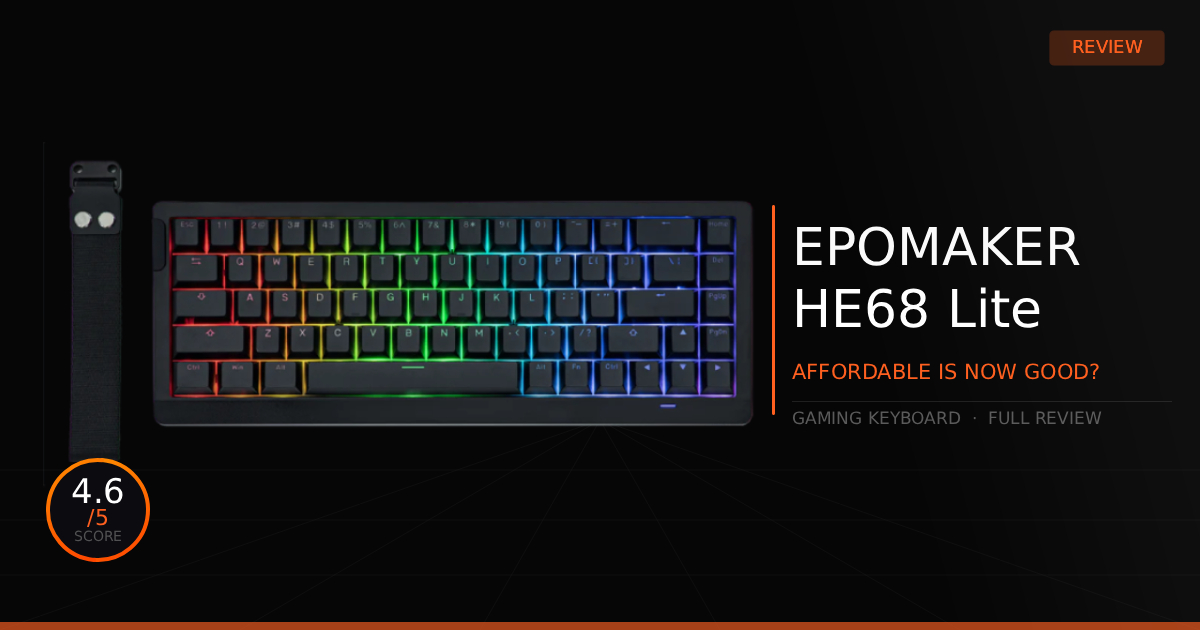
GTT Quick Score: 4.6/5
Quick Verdict:
If you want a budget Hall-effect keyboard that rivals the Wooting in raw speed across CS2, Valorant, and Fortnite without the premium price tag, the EPOMAKER HE68 Lite is the dream affordable option. Check the current budget pricing below to grab these high-end 8000Hz features.
➔ Check Price At Amazon
➔ Check Price At Newegg
Our EPOMAKER HE68 Lite Summary
So, how good is the HE68 Lite? Honestly, it's way better than you'd expect on paper. While I don't have the specialized latency-testing tools in my own lab yet, community tests using OSLTT kits consistently prove that this keyboard easily rivals the Wooting 60HE in raw speed. With a true 8000Hz polling rate and a 128K scan rate, it delivers a lightning-fast 0.125ms response time and an overall input lag of well under 1ms. In-game, you won't be able to tell the difference between this and premium 1-2ms gaming keyboards.
But does the rest of the keyboard actually stack up for around $50?
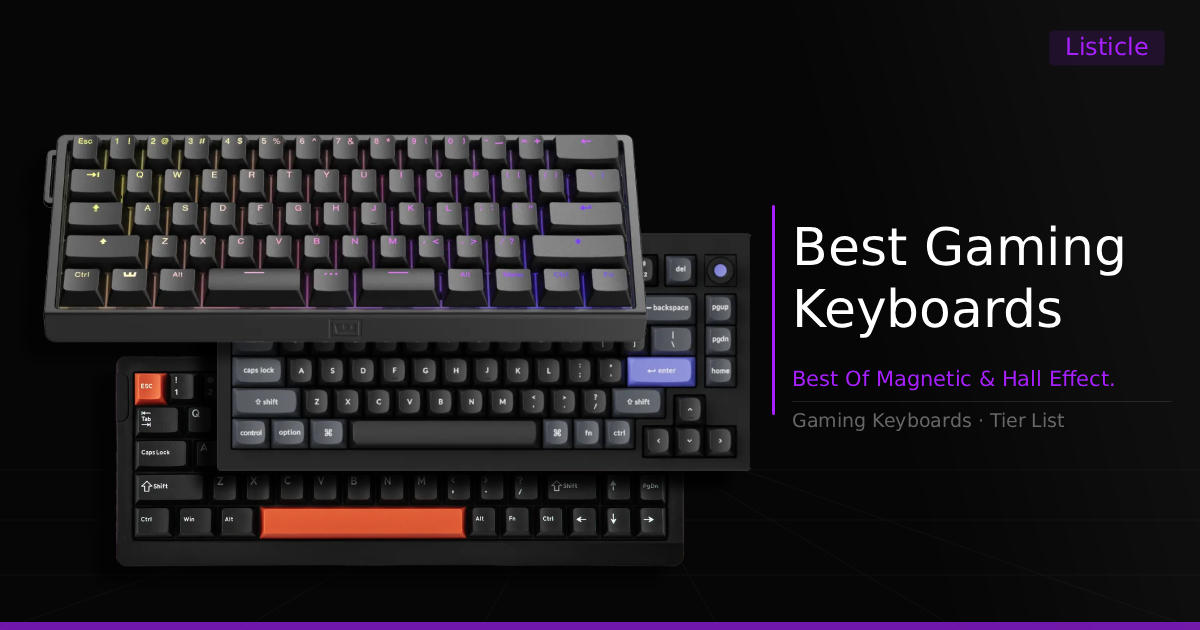
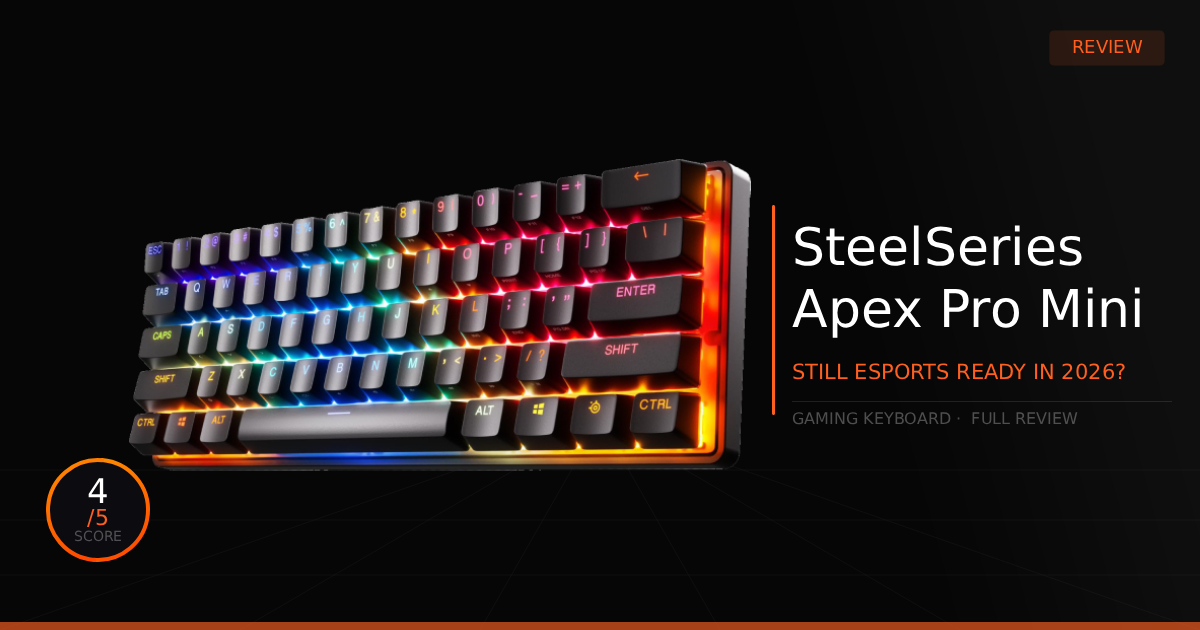
Yes, it absolutely does. There are obvious corners cut to hit this budget price point, the case is plastic, the keycaps aren't anything special, and the default RGB is a little basic. However, it is still a massive step up from your average cheap keyboard, especially since it features individual RGB settings for every single key. In fact, it easily outshines older, more expensive magnetic boards, including the original SteelSeries Apex Pro Mini, earning a top spot on our roundup of the best magnetic and Hall Effect gaming keyboards.
EPOMAKER actually wins on the overall typing feel. The keys have a nice, light "thock" sound, the adjustable actuation has zero bugs, and the board feels like it was put together with real care. The plate-mounted Cherry-style stabilizers even come pre-lubed with almost no rattle or wobble. To top it all off, the Hall-effect switches are fully hot-swappable, giving you a clear upgrade path down the line.
Oh, and the software customization, ranging from basic settings to highly complex profiles, is completely off the charts. It even features a visual layout that displays the exact numbers for each key, allowing you to easily track your actuation changes in real-time. This is much more intuitive compared to most top keyboard contenders on the market, with the possible exception of Wooting.
Why This Matters For Gaming:
What makes this keyboard so good for gaming is the distinct competitive advantage of ultra-low latency paired with complete key customization for much sharper, faster in-game movement. Just as importantly, it delivers all of these high-tier features at an incredibly affordable price for a device that ultimately looks and feels like a premium product, at least for what the budget provides.
EPOMAKER HE68 Lite: What Are The Specs?
Technical Specification | HE68 Lite Details | Why It Matters for Competitive Gaming |
|---|---|---|
Switch Mechanism Tech | Epomaker Clear Mag Linear Hall Effect Switches | Eliminates traditional physical contact points in favor of magnetic sensors. This completely prevents key chatter and wear, ensuring a friction-free, buttery smooth keystroke that lasts for millions of presses. |
Click Customization Range | Ultra-Precise 0.01 mm Adjustable Actuation & Rapid Trigger (0.1 mm to 3.4 mm travel range) | Allows the key to instantly reset the exact millisecond you start lifting your finger. This gives you instant, near-zero-latency counter-strafing and rapid key-spamming capabilities in tactical shooters. |
Data Polling Architecture | True 8,000 Hz Polling & 128 kHz Scan Rate (0.125 ms latency) | Delivers inputs to your PC eight times faster than standard gaming keyboards. It ensures your micro-movements and split-second key combos register with perfect sync, completely eliminating system lag barriers. |
Input Optimization Engine | Native Snap Key (SOCD), Dynamic Keystroke (DKS), and Mod Tap support | Prioritizes your latest opposite-direction keypress, ensuring your character never freezes in place mid-strafe and making advanced movement techniques feel flawlessly smooth. |
Acoustic & Sound Design | Premium 5-Layer Inner Sound Dampening (Pro Sandwich Foam, IXPE, PET pads, and Bottom Foam) | Systematically absorbs harsh vibrations and hollow plastic rattle. It delivers a highly satisfying, deep, "creamy" sound profile and a dampened bottom-out feel that keeps your focus sharp. |
Layout & Chassis Profile | Compact 65% Form Factor (68 Keys) with detachable USB-C & carrying strap | Retains physical arrow keys while stripping away useless bulk. It maximizes your open desk real estate, giving your mouse arm absolute freedom to make massive, sweeping flick-shots without slamming into the keyboard side. |
Pros & Cons of the EPOMAKER HE68 Lite
Pros
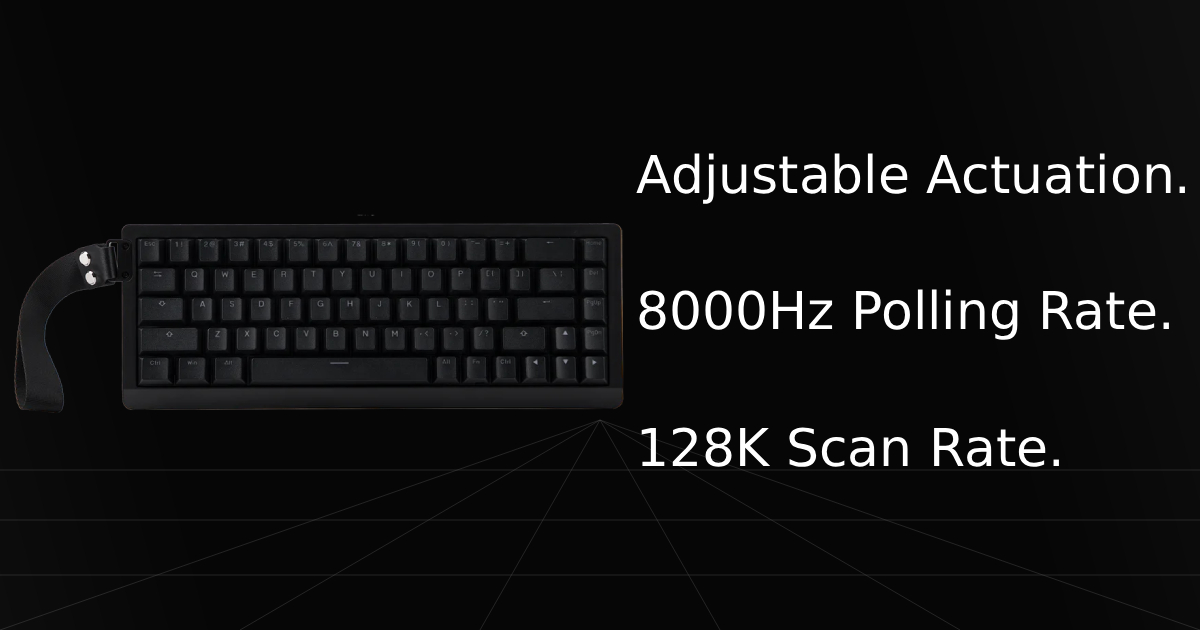
Actuation Point & Rapid Trigger: Adjustable actuation points and Rapid Trigger allow your keys to register presses and releases at whatever custom intervals you prefer. Most gamers configure these to be incredibly low, allowing them to click as fast as possible for much faster in-game mechanics.
8000Hz Polling Rate: Running an 8000Hz polling rate provides the most significant drop in latency, down to a staggering 0.125ms. By reporting your inputs to your PC 8,000 times per second, it reduces input lag as low as you could ever possibly need.
128K Scan Rate: The extremely high 128,000Hz scan rate allows the internal processor to scan each magnetic switch 128,000 times per second. This ensures the keyboard instantly tracks what the switch is doing, updating advanced features like Rapid Trigger much faster and more efficiently.
Highly Affordable: Sitting right around $50, this is easily the most premium affordable Hall-effect magnetic gaming keyboard on the market, making it an incredible entry-level option for any competitive gamer.
Cons
Build Quality: As expected at this budget price range, there are some tradeoffs. The physical build quality isn't the most durable when it comes to the raw materials. The plastic casing feels quite light, meaning it lacks that heavy, premium density of high-end boards.
Fixed Incline Case: The case design lacks foldable flip-down feet on the bottom. Instead, the keyboard sits on a fixed, pre-angled incline with a flat base, leaving you with no option to adjust the typing angle to your personal comfort.
Real World Use With The EPOMAKER HE68 Lite
EPOMAKER HE68 Lite vs. Wooting 60HE v2 Comparison
Specification | EPOMAKER HE68 Lite | Wooting 60HE v2 |
|---|---|---|
Primary Switch Tech | Factory-lubed Magnetic Linear Switches featuring Hall Effect sensors with a highly custom 0.01mm adjustable travel resolution. | Outfitted with custom-designed Lekker Tikken Magnetic Switches engineered with closed bottoms and tighter tolerances for massive wobble reduction. |
Rapid Trigger Precision | Highly responsive per-key Fast Trigger adjustments yielding near-zero dead zones for instant physical response. | Industry-defining Rapid Trigger system allowing dynamic key resets down to 0.1mm increments via the Wootility web interface. |
Maximum Polling Speed | True 8,000 Hz polling rate paired with a blazing 128,000 Hz per-key scan rate for an extremely low 0.125ms latency profile. | True 8,000 Hz polling rate driven by an optimized MCU, hitting 0.125ms input latency when locked to Tachyon Mode. |
Keyboard Layout & Structure | Compact 65% form factor (68 keys) keeping direct physical arrow keys while remaining highly portable at just 0.6 kg. | Stripped-down 60% ultra-compact layout available in standard 6.25u or custom thumb-friendly split spacebar configurations. |
Chassis & Acoustic Profile | 5-layer sound-dampened plastic chassis using PRO Sandwich foam, IXPE pads, and PET film to yield a deep, creamy "thock". | Premium structural chassis available in ABS plastic or heavy CNC aluminum, utilizing an FR4 plate and custom Poron foam padding. |
Keycap Profile | Fitted with durable double-shot shine-through PBT keycaps tailored to accent the native 2-layer A-RGB backlighting. | Features wear-resistant, high-grade 1.5mm double-shot OEM profile PBT keycaps with clean, backlit legends. |
How Does the EPOMAKER HE68 Lite Perform Daily?
It is actually quite surprising how far budget gaming keyboards have come. Taking the HE68 Lite out of the box really shows how premium features are finally becoming accessible to anyone. Right away, you notice that the switches and stabilizers have no noticeable rattle, delivering a smooth, slightly creamy and "thocky" keypress. Even though it is a magnetic Hall-effect keyboard, a category notorious for sounding hollow and metallic, it honestly sounds better than 99% of other Hall-effect keyboards on the market, but still feels airy-like.
I would even go as far as to say this keyboard is a direct upgrade over older premium options like the original SteelSeries Apex Pro Mini. While your raw in-game performance won't feel dramatically different between the two, the EPOMAKER sounds better, introduces faster polling rates, and features a software that easily rivals or even beats SteelSeries GG on your daily priorities.
So, the acoustics and performance are great, making it an excellent daily driver. But what are the drawbacks of living with it every day?
At the end of the day, it is still a budget keyboard, and some elements will come down to personal preference. While we haven't personally run into any technical bugs during our testing, the community has reported a few issues. Some MAC users have struggled with finding stable drivers in the past, and a few others have reported a glitch where keys randomly spam on their own. We haven't encountered these issues ourselves yet, but they are definitely worth keeping in mind.
Who Shouldn't Purchase the EPOMAKER HE68 Lite
Those Willing To Buy a Wooting: If you want the absolute ultimate, premium magnetic keyboard experience, remember that the EPOMAKER is still a budget board at its core, even if it is incredibly good. If you have the budget and are willing to pay a premium for a keyboard that truly hits every single mark, then the Wooting 60HE v2 is still the right option for you.
Gamers Committed to a Specific Ecosystem: The HE68 Lite doesn't automatically replace every keyboard on the market; it simply sits at the absolute top of its budget price bracket. There might be good reasons to choose other established brands instead, especially if you want your gear to sync perfectly with your existing mouse and headset software, keeping your peripheral migration and lighting seamless.
Game Tested Tech Score: 4.6/5
The Verdict
Are you looking for a budget Hall-effect magnetic keyboard that can still perform at a high level in competitive games like CS2, Valorant, and Fortnite, while still delivering a surprisingly good typing experience for daily use? Then, surprisingly, spending $200+ is no longer required because the EPOMAKER HE68 Lite gets the job done, and it does it well. This is truly the dream affordable keyboard.
Our Personal Advice
Immediately download the software so you can install the latest firmware updates and get accustomed to the massive amount of complex configuration options this keyboard offers. There are highly advanced features I haven't even fully covered here that can be a bit complicated to understand your first time setting them up. Take some time to experiment, you might find some incredibly unique use cases that perfectly fit your personal playstyle.