Affiliate Disclosure: Some links in this article may earn us a small commission if you make a purchase, at no additional cost to you.
How Big Is The Improvement Really?
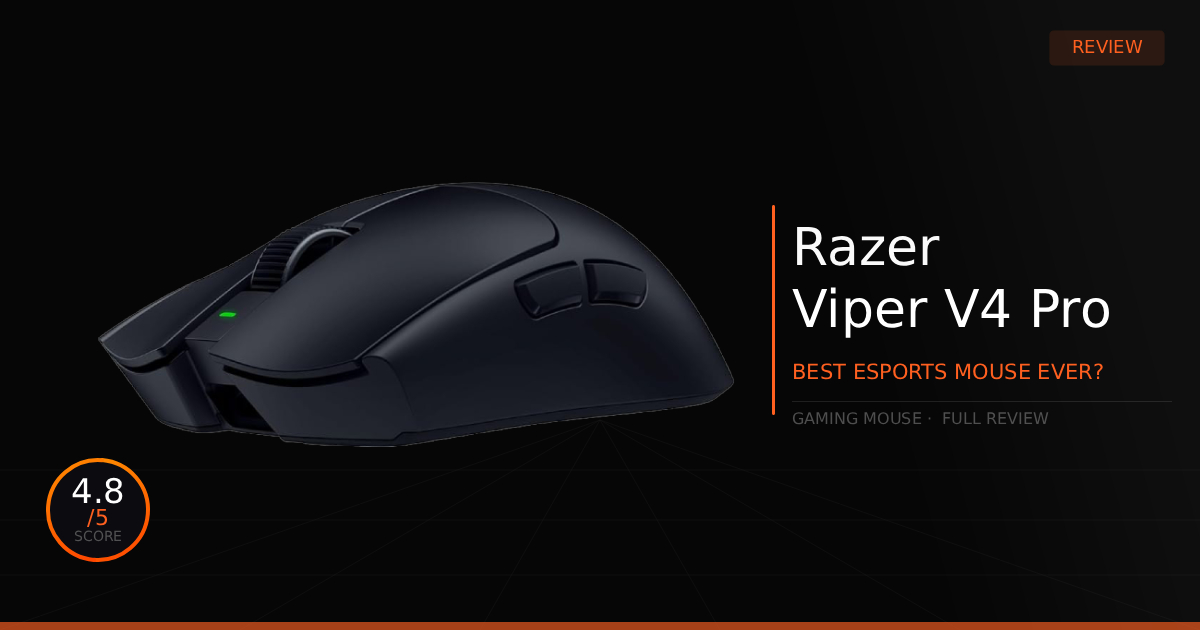
This mouse might genuinely be the best mouse launch of the decade. I know that's an extreme personal take, maybe even biased, because we love Razer mice. To us the Viper V4 Pro is much more than just, "Its just an updated Viper V3 Pro." Sure, it is the same shape but for good reason so let us explain our feelings with time played with the Viper V4 Pro and how its much more than just a tiny upgrade.
GTT Quick Score: 4.8/5
Quick Verdict
The Corsair RM850x Shift is a top-of-the-line, 80 PLUS Gold certified power supply that delivers clean, silent, and stable 850W power for mid to high-end gaming builds. Breaking the mold for a genuinely good reason, its unique patented side-mounted cable panel and smaller Type 5 Micro-Fit cables make building and cable management twice as easy, as long as your specific PC case has the side-clearance to fit it.
Our Summary:
My competitive gaming sessions have been nothing short of god-tier with this mouse, an underrated weapon that completely overhauls your setup. Instead of one massive headline change, it introduces a collection of smaller upgrades built around the classic Viper V3 Pro shape. Under the hood, Frame Sync, the Focus Pro 50K Gen-3 sensor, a redesigned true 8,000 Hz hemispherical wireless dongle, and Gen-4 optical switches combine into a masterclass of pure performance. Razer also added an improved optical scroll wheel encoder, a lighter 49g chassis with improved structural rigidity, and drastically improved battery life. While they look like minor sequential upgrades on paper, they deliver a massive 15%+ performance boost across the board for each minor upgrade, making this the first time a mouse has truly felt like a 1:1 hardware translation straight to my screen.
Why This Matters For You:
The combination of Frame Sync and the 8,000 Hz dongle is deadly for competitive players. We experienced an insane drop in click latency (averaging 0.204 ms), instantaneous cursor updates, and a visible boost in perceived motion clarity. It won't make you a world champion overnight, but that pixel perfect responsiveness directly improves your tracking speed and micro adjustments. Most importantly, high polling rates (4,000 Hz – 8,000 Hz) are finally usable across games without micro-stuttering, well mostly, it is PC hardware and game dependent. For example: Fortnite traditionally stuttered heavily past 2,000 Hz, we faced zero issues running a smooth 4,000 Hz. Frame Sync precisely aligns the sensor’s frames directly with the mouse’s polling cycles and your high-refresh monitor, sending flawless data straight to the game engine.
Razer Viper V4 Pro: What Are The Specs?
Technical Specification | Viper V4 Pro Details | Why It Matters for Gaming |
|---|---|---|
Weight | 49g (Ultra-Lightweight) | Shaves the weight down even further from the V3 Pro without losing structural strength, entirely minimizing hand fatigue for effortless, high-speed flicking. |
Sensor Type | Focus Pro 50K Gen-3 (Optical) | Bumps maximum sensitivity to an insane 50,000 DPI while smoothing out high-speed tracking to keep your crosshair perfectly steady through heavy sprays. |
Polling Rate | True 8,000Hz Wireless Out of Box | Cuts input delay down past its predecessor to deliver up to 55% lower overall click latency, keeping tracking fluid on 360Hz to 540Hz monitors. |
Switch Type | Gen-4 Optical Mouse Switches | Provides a noticeably crispier click feel with zero debounce delay, stretching the physical click lifespan up to 100 million total presses. |
Scroll Wheel | Razer Optical Scroll Wheel | Moves away from mechanical scroll components entirely to prevent ghost or missed scrolls, making rapid weapon swaps or utility cycling incredibly reliable. |
Battery Life | Up to 180 Hours (at 1,000Hz) | Massively boosted power efficiency that gives you nearly double the playtime; even running it at max 8,000Hz holds strong for up to 44 hours. |
Connectivity | HyperSpeed Wireless Gen-2 | Next-gen wireless data streaming that minimizes local signal interference while allowing the mouse to be configured via a seamless web driver utility. |
Shape/Ergonomics | Pro-Trusted Symmetrical | Retains the exact pro-tested center hump profile, keeping the shape completely ideal for competitive claw or fingertip grip users. |
Razer Viper V4 Pro: Pros & Cons

Pros
Latency: Gained a massive latency reduction that is noticeable across the entire performance of the mouse.
Durability: When we try to squeeze the sides of the mouse, it doesn't creak or flex at all.
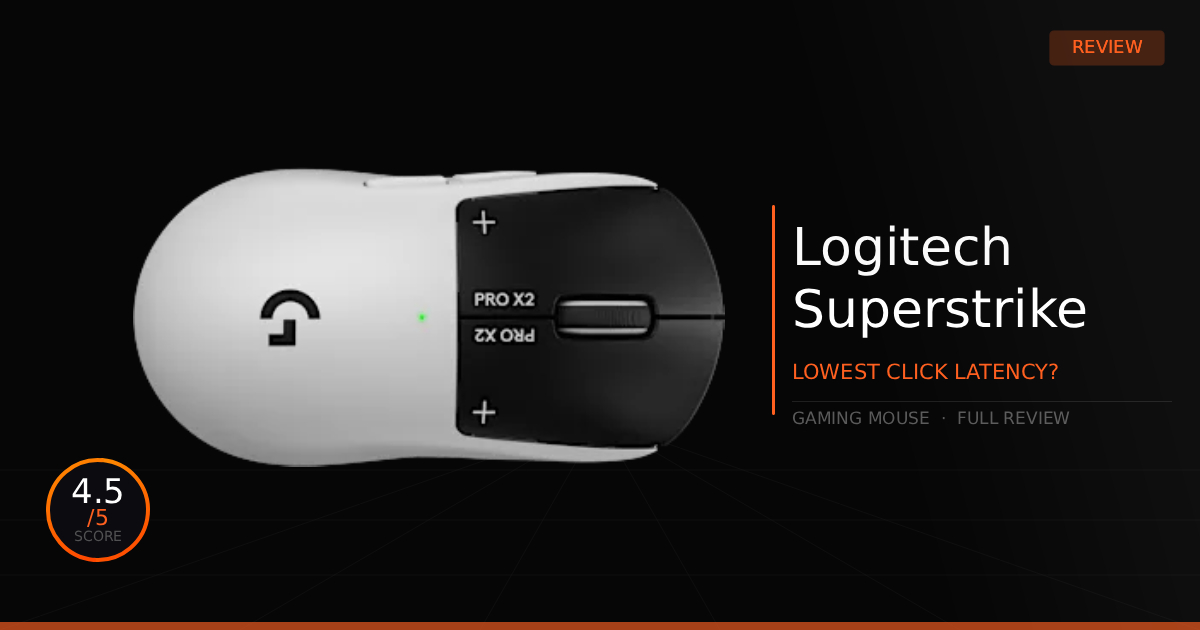
Switches: The 12% decrease in actuation force on the switches is actually near-perfect for us. While it doesn't quite beat the full software customization found on Logitech's new PRO X2 Superstrike mouse, it is still a highly appreciated, premium upgrade.
Balance: Features an extreme weight balance that is great for both control and comfort.
Cons
Cost: If you are upgrading from a Viper V3 Pro, it is still quite expensive for relatively minor upgrades ($159.99 MSRP).
Loudness: While we don't consider it a huge deal, it certainly does have a noticeably louder, more clicky sounding switch. However, we also think this helps provide great tactile feedback in competitive titles.
Razer Viper V4 Pro: Daily Real World Use.
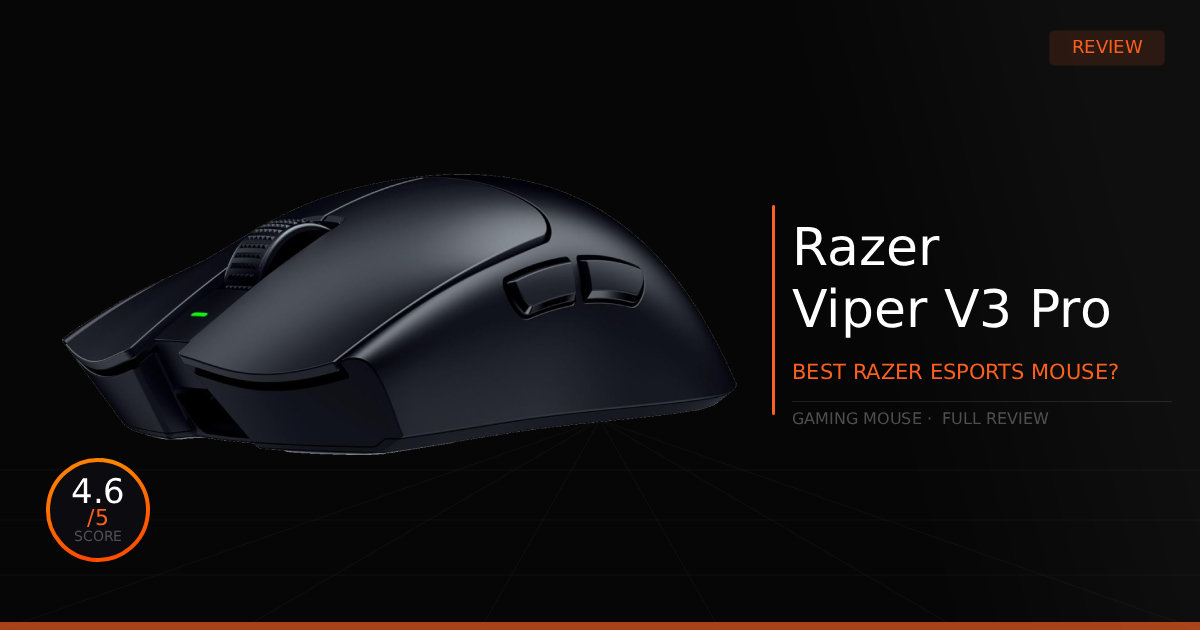
Here is our comparison for Razer Viper V4 Pro vs Razer Viper V3 Pro and then how well the Viper V4 does as a daily driver for gaming and daily use.
Specification | Razer Viper V4 Pro | vs. Razer Viper V3 Pro |
|---|---|---|
Chassis Weight & Build | Drops down to an ultra-light 49g (Black) / 50g (White). It re-engineers the internal layout with a more compact circuit board, achieving up to 2× better structural integrity and a tighter unibody feel with zero shell flex. | Sits at 54g (Black) / 55g (White). While it offers an incredibly sturdy frame and premium matte coating, it features a slightly larger internal design and traditional PCB layout. |
Sensor & Tracking Tech | Features the cutting-edge Focus Pro 50K Optical Sensor Gen-3. Introduces Frame Sync technology, which natively aligns the sensor's frames directly with the mouse's internal scanning and polling cycles for pixel-perfect tracking. | Uses the Focus Pro 35K Optical Sensor Gen-2. Relies on standard Motion Sync tracking packets to align reporting intervals, missing the true hardware-level frame synchronization. |
Switch Actuation & Feel | Upgrades to Razer Gen-4 Optical Mouse Switches rated for 100 million clicks. They use physically smaller modules with lighter springs, delivering a 12% decrease in force actuation and a cleaner, louder tactile response. | Equipped with Razer Gen-3 Optical Mouse Switches rated for 90 million clicks. Features a standard mechanical spring tension system requiring slightly more travel distance to register a press. |
Scroll Wheel Encoder | Swaps to a highly durable Razer Optical Scroll Wheel encoder. This eliminates physical mechanical wear points over time, resulting in smoother, faster weapon scrolling and tighter structural longevity. | Employs a traditional TTC Silver mechanical scroll wheel encoder. While it provides great, distinct tactile notches during use, it remains prone to standard mechanical dust and wear over extended lifespans. |
Wireless & Polling Setup | Runs on HyperSpeed Wireless Gen-2 paired with a redesigned hemispherical true 8,000 Hz dongle out of the box. It cuts overall click latency by up to 55% compared to its predecessor, stabilizing the high 4K/8K data stream against game-engine stutters. | Powered by original HyperSpeed Wireless alongside a traditional rectangular 8,000 Hz HyperPolling dongle. It delivers an incredibly fast and reliable esports signal, but experiences packet congestion in CPU-heavy titles at maximum refresh rates. |
Battery Life Efficiency | Massive efficiency leap yielding up to 180 hours at 1,000 Hz or 44 hours at a true 8,000 Hz. This nearly doubles playing time thanks to the lower power draw of the Gen-3 sensor and Gen-2 wireless platform. | Reaches up to 95 hours at 1,000 Hz or 17 hours at 8,000 Hz. While highly competitive for high-polling mice, it requires significantly more frequent charging intervals. |
Software Integration | Retains full compatibility with Razer Synapse but introduces Synapse Web support. This allows builders to adjust DPI, liftoff distance, and polling rates straight from a web browser without installing heavy background software. | Tied strictly to the standard Razer Synapse desktop application for full profile customization, macro assignments, and calibration tools, adding a layer of software overhead to your operating system. |
Daily Use & Performance
As a daily gaming driver, it's perfect. If your hand welcomes this specific mouse shape, you'll find that you love it for its internal upgrades and the noticeable decrease in overall latency. Just don't expect these changes to magically fix your aim; in fact, they are still relatively minor upgrades. The "Awe" feeling lasts for a couple of games until you get completely used to the new 1:1 responsive feeling.
Next, it is still strictly a gaming mouse, so past that focus, you won't find any special features for daily productivity or office work. If you're looking for extra utility buttons or infinite scroll wheels, they aren't here, besides one major improvement that applies to both work and gaming: the weight reduction and overall weight balance are absolutely amazing. My hand has experienced surprisingly less fatigue during long gaming sessions, which has been incredibly helpful since I tend to squeeze the mouse too hard when aiming under tension.
Who Shouldn't Buy The Razer Viper V4 Pro?
The Viper V4 Pro is great, but there are some reasons you might want to consider not immediately making the purchase.
On a Budget: This mouse is extremely expensive. If you already own a Viper V3 Pro, or a gaming mouse that hasn't failed you yet, consider waiting to make the purchase later or finding a more budget friendly option that perfectly fits your hand.
Shape & Size: If you have very small hands or use a pure palm grip, you might notice a bit of a learning curve when first using this mouse. Its shape is ideally suited toward medium-to-large hands for fully gripping the chassis with larger hands. Expect to adapt your form slightly if you can't grip it comfortably right out of the box, though adapting is more than possible.
Game Tested Tech Score: 4.8/5
The Verdict
This is definitely the best gaming mouse we've reviewed on Game Tested Tech in 2026. While it isn't the most unique design on the market, it sticks true to exactly what it's meant to be: a perfect Razer Viper mouse. It is undoubtedly going to be one of our main daily drivers, and we highly recommend it to anyone seeking a premium upgrade.
Our Personal Advice
While we've experienced a better high-polling-rate experience with far less stuttering, make sure to test it out for yourself. Our gaming rigs are fairly high-end computers, which gives us an advantage in handling those heavy data loads more effectively. To restate our previous point: hand shape, size, and comfort matter most. Don't force yourself to love a mouse if it simply doesn't work for your hand.