Affiliate Disclosure: Some links in this article may earn us a small commission if you make a purchase, at no additional cost to you.
The G PRO X2 SUPERSTRIKE Click Latency is Ground Breaking but Not Game Changing
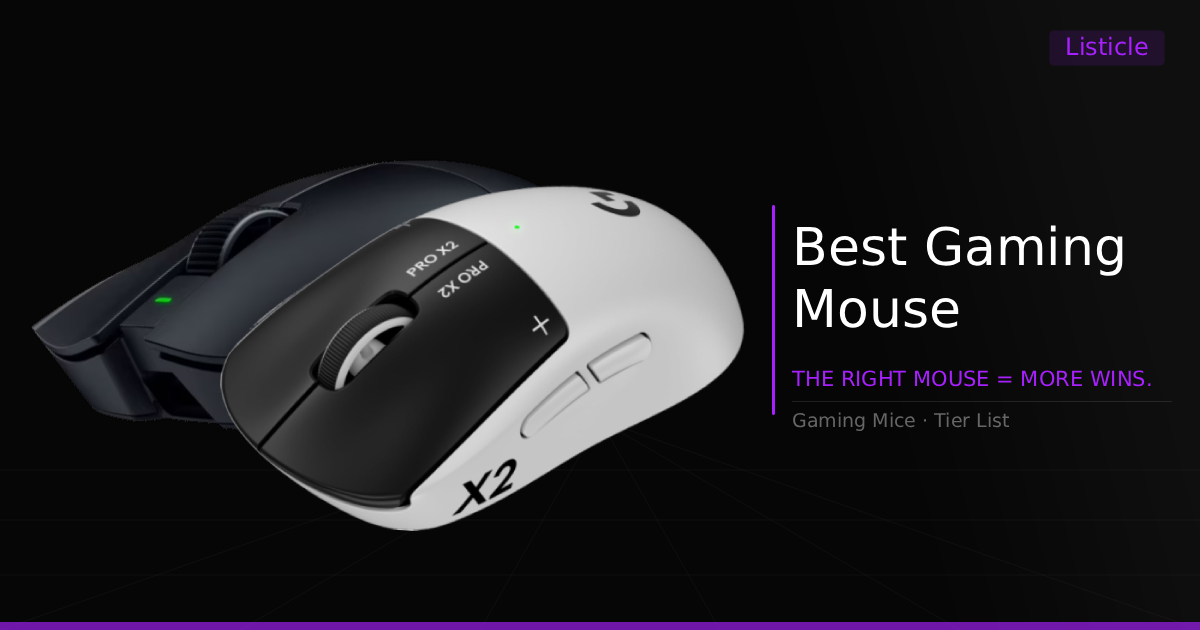
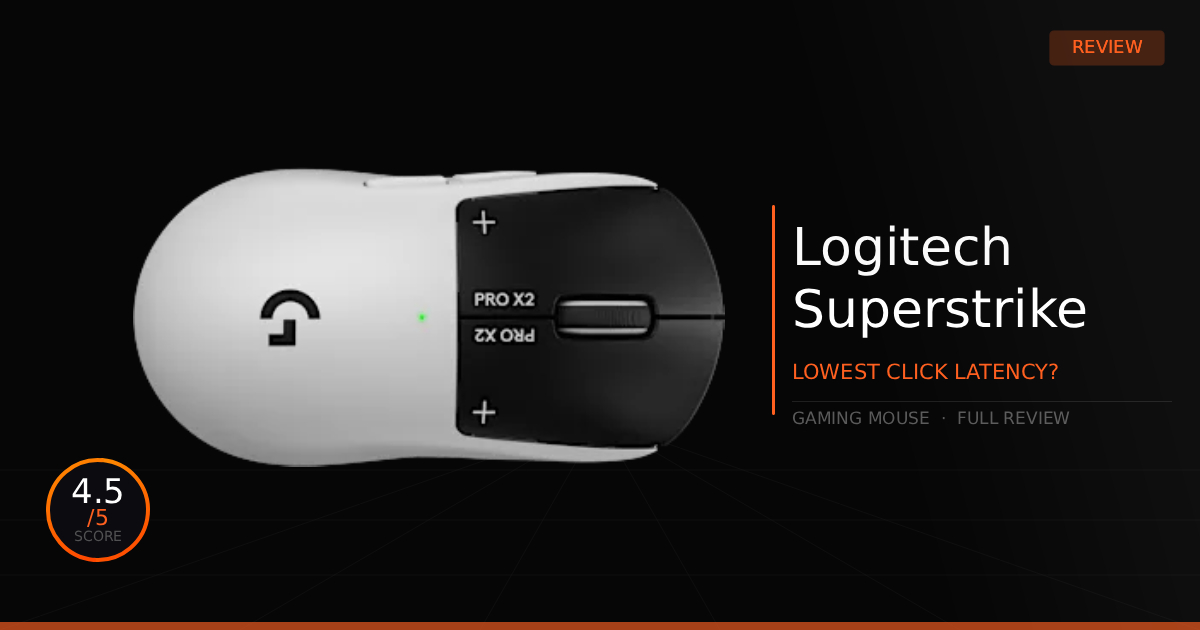
In theory, Logitech's new mouse should be the best in its class, a true innovation from an early adopter pushing new features onto a competitive gaming mouse. Specifically, their new "Haptic Inductive Trigger System (HITS)" adds actuation point adjustment and Rapid Trigger to a gaming mouse for the very first time. But does this tech actually affect your ability to play, and does it outweigh the new negatives introduced along with it?
GTT Quick Score: 4.5/5
Quick Verdict:
If you want full customization over your click speed, actuation, and Rapid Trigger to gain a distinct competitive advantage, the G PRO X2 SUPERSTRIKE is currently the best option on the market. Check the pricing below to see if the premium upgrade is worth it for you.
➔ Check Price At Amazon
➔ Check Price At Newegg
Our G PRO X2 SUPERSTRIKE Summary
We appreciate Logitech innovating with their new Haptic Inductive Trigger System (HITS). By replacing traditional microswitches with electromagnetic sensors and a haptic motor, this is the first gaming mouse to feature full customization over your actuation point and Rapid Trigger—similar to a Hall-effect keyboard. Adjustable through Logitech G HUB across 10 actuation levels and 5 Rapid Trigger reset steps, the tech itself is incredibly well-implemented.
However, the catch is that HITS doesn't dramatically alter real-world gameplay unless you are playing a title that thrives on ultra-low latency clicks, like hitting one-taps in CS2 or hitting consist fast edits in Fortnite. Outside of those niche scenarios, it feels like Logitech forgot about the rest of the mouse. The new haptic tech makes the mouse slightly front-heavy, which might bother you if you prefer 50g mice. Plus, the stock skates are still subpar and wear down quickly; we highly recommend swapping them for custom aftermarket skates.
Overall, if you already love the iconic G PRO shape and want a lightweight mouse with a true 8000Hz polling rate, it's still a fantastic performer despite a few minor inconveniences. (We go over more of the inconveniences in Real World Use.)
Why This Matters For Gaming:
While personal preference will always come first when it comes to mouse size and shape, having that extra bit of customization over your clicks can set you up for better practice and potentially give you a competitive edge, even if it's a small one. Ultimately, it gives you a brand-new mechanical advantage for making faster, more reactive plays in-game.
G PRO X2 SUPERSTRIKE: What Are The Specs?
Technical Specification | PRO X2 SUPERSTRIKE Details | Why It Matters for Competitive Gaming |
|---|---|---|
Switch Mechanism Tech | Breakthrough Haptic Inductive Trigger System (HITS) | Replaces traditional microswitches with advanced inductive sensing, slashing click latency by up to 30 ms. It provides a massive speed advantage, letting you land lightning-fast reaction shots before your opponent can fire. |
Click Customization Range | Tunable Actuation & Reset Points (10 Actuation Steps / 5 Rapid Trigger Values) | Replicates Hall Effect keyboard logic on a mouse. You can fine-tune the exact hair-trigger click travel distance to completely eliminate accidental misclicks or hand-tensing shake when tracking targets. |
Tactile Click Feedback | Adjustable Click Haptics (6 Intensity Profile Options) | Uses hardware sync tech to mimic physical click sensations at a near-silent volume. It gives you crisp, personalized tactile confirmation without the loud click distraction during high-stakes clutched rounds. |
Optical Sensor Precision | Advanced HERO 2 Tracking Engine | Delivers a massive 44,000 DPI ceiling and over 888 IPS tracking reliability. It ensures your ultra-fast arm flicks are mirrored with pixel-perfect 1:1 accuracy, entirely free of cursor acceleration or smoothing. |
Wireless Protocol Core | Low-Latency LIGHTSPEED Wireless Integration | Provides a pro-grade, lag-free wireless connection trusted by top esports athletes. It keeps your tracking entirely fluid and unhindered by wire drag, guaranteeing no signal dropouts or ping spikes mid-gunfight. |
Chassis & Weight Profile | Reinforced Symmetrical Shell Architecture | Maintains the legendary, comfortable GPX shape built like an absolute tank. The optimized weight balances fast micro-flicking with stable, controlled arm-aiming stop power on standard cloth surfaces. |
Pros & Cons of the G PRO X2 SUPERSTRIKE
Pros
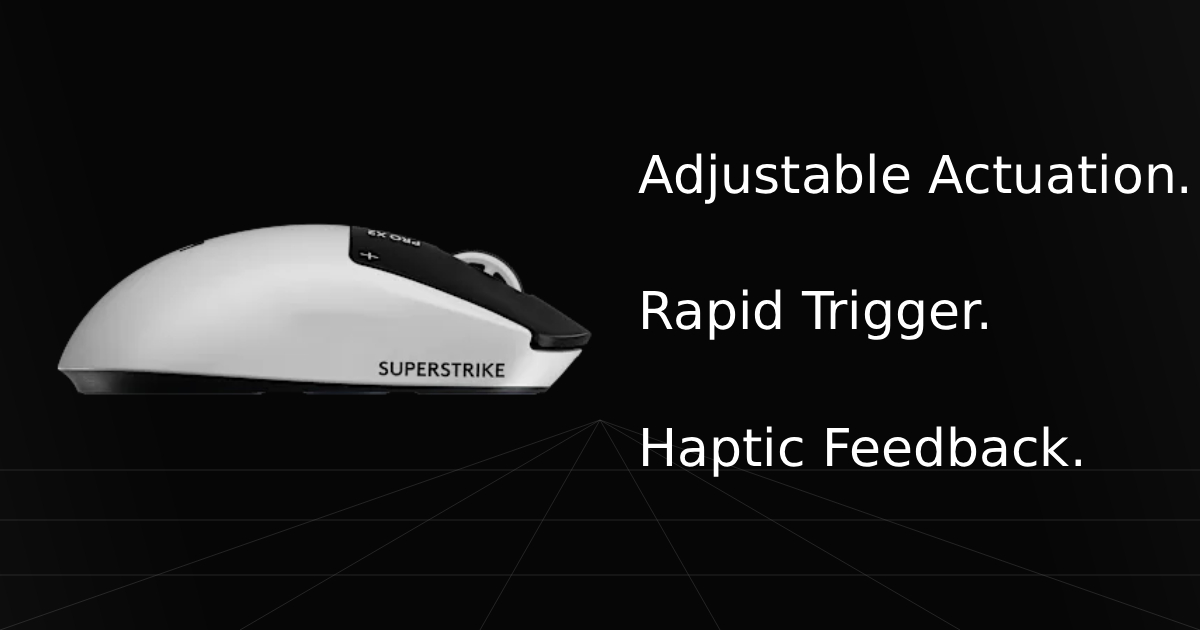
Adjustable Actuation Point & Rapid Trigger: You can customize the exact actuation point of your press and release, making it shorter or longer depending on how fast you want to click. This lets you dial in your perfect personal preference so you are never locked into a single fixed click speed.
Tunable Click Haptics: The adjustable rumble of the click lets you dial in a light tactile sensation or turn it off completely, giving you full control over your physical click feedback.
Cons
Weight Distribution: The mouse is slightly more front-heavy due to the new Haptic Inductive Trigger System and its internal components, which can cause hand fatigue depending on your specific grip style and how you move across different games.
Stock Mouse Skates: The stock skates wear down very easily and quickly become sluggish on cloth mouse pads. They also tend to get pretty scratched up, even when tested on smooth medium surfaces or premium glass pads.
Real World Use With The G PRO X2 SUPERSTRIKE
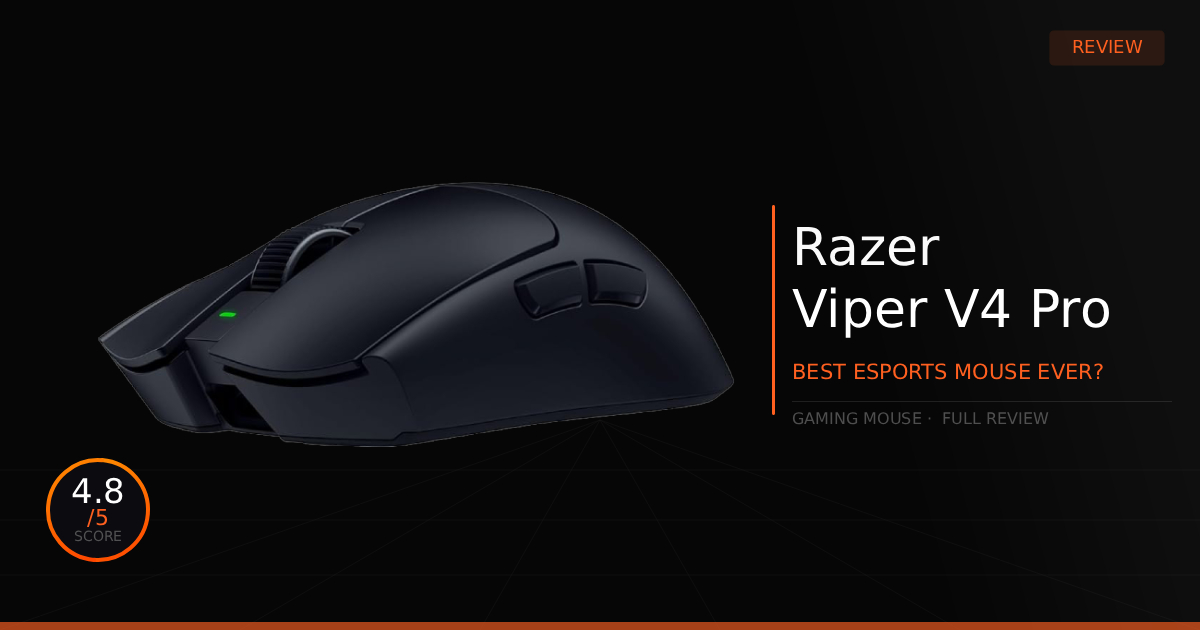
G PRO X2 SUPERSTRIKE vs. Razer Viper V4 Pro Comparison
Specification | Logitech G PRO X2 SUPERSTRIKE | vs. Razer Viper V4 Pro |
|---|---|---|
Primary Click Tech | Breakthrough Haptic Inductive Trigger System (HITS) featuring tunable micrometer actuation points and 5-level rapid trigger resets. | Outfitted with fixed, ultra-durable Razer Optical Mouse Switches Gen-4 rated for 100 million clicks. |
Optical Sensor Engine | Powered by the HERO 2 Tracking Engine pushing up to 44,000 DPI, 888 IPS tracking, and 88G acceleration. | Driven by the Razer Focus Pro 50K Gen-3 Sensor delivering up to 50,000 DPI, 930 IPS, and 90G acceleration. |
Wireless Polling Speed | True 8,000 Hz LIGHTSPEED Wireless integration for lag-free, ultra-low motion latency. | True 8,000 Hz HyperSpeed Wireless Gen-2 system providing crisp, near-instantaneous data reporting. |
Chassis Weight Profile | Reinforced, thin-wall symmetrical shell arriving at a robust and agile 61 grams. | Stripped-down, ultra-light structural frame weighing an incredible 49 grams (50g for White Edition). |
Battery Life Longevity | Delivers anywhere from 60 to 90 hours of runtime depending on your polling rate configurations. | Offers a massive 180 hours at 1,000 Hz or up to 45 hours of non-stop gaming when locked to 8,000 Hz. |
Base Glide Setup | Uses extra-large, smooth-sliding UHMWPE low-friction feet to smooth out fast arm adjustments. | Uses massive, rounded 100% pure PTFE mouse feet for a lightning-fast, unimpeded glide across cloth pads. |
How Does the G PRO X2 SUPERSTRIKE Perform Daily?
For me, I like the added control from HITS, but it didn't immediately improve my daily gaming performance. Depending on how drastically you tweak your feedback and actuation settings, there is definitely an adjustment curve. Unlike when I used adjustable actuation points and Rapid Trigger on my SteelSeries keyboard for the first time, where it instantly felt faster and more comfortable, the mouse required a real learning curve. I had to get used to timing my clicks to my physical aim, and I initially struggled with accidentally pushing the mouse buttons down too early. It caused a lot of misclicks and accidental gunshots in-game.
I am also not a giant fan of the weight distribution, and the G PRO isn't exactly my favorite mouse shape, I personally prefer something like the Razer Viper V4 Pro and it's perfect lightweight, but the stock skates and front-heavy feeling didn't completely ruin my gameplay. In fact, the worst part was probably the skates; I eventually adapted to the front-heavy weight after spending some time with the mouse. As for the shape, while it's still not my absolute favorite, I appreciate the rear hump, which makes my hand feel more natural when locking into a palm/claw hybrid grip style.
Who Shouldn't Purchase the G PRO X2 SUPERSTRIKE
Those Who Already Own a Superlight 2: If you are already happy with your current setup, you might not see the point of upgrading to the Superstrike. It features the exact same shell shape and a nearly identical weight, outside of the new front-heavy distribution. Ultimately, it comes down to a personal choice: Is this specific click upgrade actually worth the money for me?
Looking for Alternate Options: If you aren't sold on the new features or the higher price tag, you are better off holding off. You can look toward excellent alternatives like the Razer Viper V4 Pro, or simply pick up an older G PRO Superlight 2 if you still want that classic, familiar G PRO shape without paying the premium.
Game Tested Tech Score: 4.5/5
The Verdict
If you are in need of an upgrade and want full customization over your mouse click feedback, actuation points, and Rapid Trigger to gain a distinct competitive advantage, then the G PRO X2 SUPERSTRIKE is currently the best option on the market for you.
Our Personal Advice
Play around with the software and find the right settings for your own hand. Don't just immediately crank everything down to the lowest possible response times or blindly copy someone else's configuration layout. Your settings should always come from your own hands-on testing until you find the perfect balance for your own playstyle.