Affiliate Disclosure: Some links in this article may earn us a small commission if you make a purchase, at no additional cost to you.
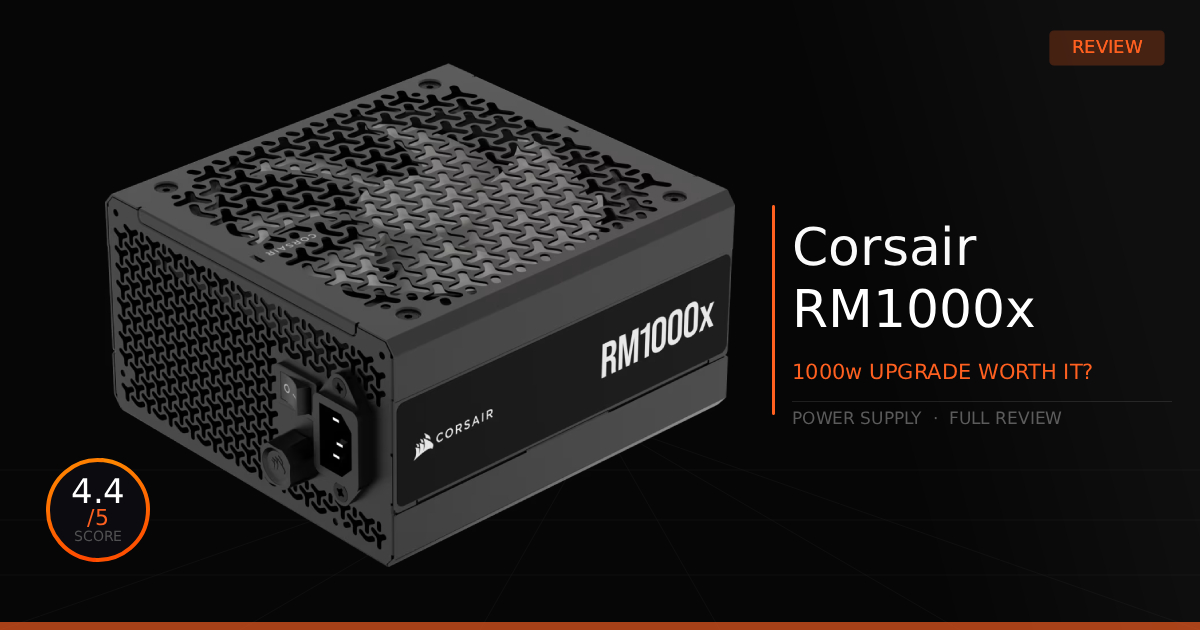
A Corsair RM1000x Power Supply Does Everything Right With No Tacky Marketing
Searching for the right power supply can be hard when you see tacky marketing features like SHIFT, customizable OLED displays, real-time monitoring, and aesthetics are all gimmicks for marketing! OKAY. That is a bit of a lie, those features can actually be useful, even if an OLED display on a power supply is overkill. So what about just a good ol' standard power supply? All hail the Corsair RM1000x power supply.
GTT Quick Score: 4.4/5
Quick Verdict:
If you want a solid, ultra-quiet 1000W power supply that cuts the flashy gimmicks to deliver pure, reliable performance for high-end gaming rigs, this is the absolute default choice. Grab it if you want total peace of mind for your next major GPU upgrade.
➔ Check Price At Amazon
➔ Check Price At Newegg
Our Corsair RM1000x Summary:
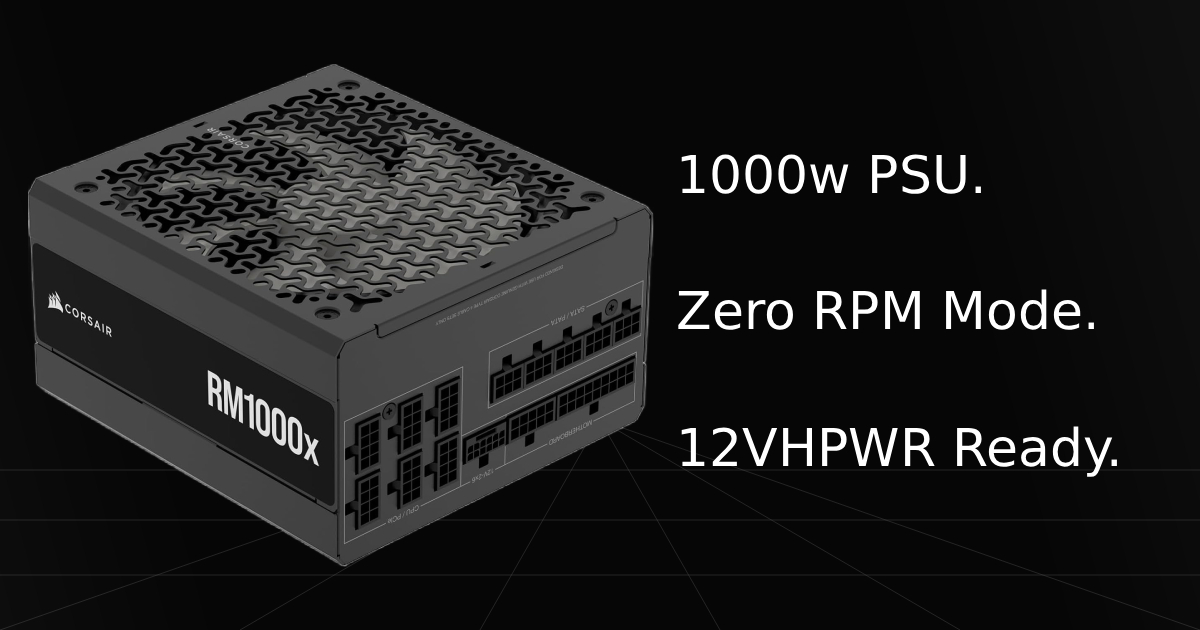
This power supply might not have special features. Well, except one. I suppose it does have a physical knob for controlling the fan speed to override its Zero RPM mode and low-noise profiles, which allows you to manually increase the fan speed.
So, what does the Corsair RM1000x have?
All the essentials, and a lot of them. We're talking one ATX 24-pin motherboard cable, two ATX CPU power cables, four PCIe 6+2-pin cables, one 12V-2x6 GPU power cable, a three-by-four SATA port cable, and two three-port PATA cables, known as molex connectors, which you most likely won't even use, but hey, you have them. Same with the SATA cables. You're very covered on all ends.
Our most reasonable use with all these cables personally is that we love Corsair's iCUE Link system. If we need to use extra PCIe cables for higher-end AMD graphics cards, even if we need three of them, we still have a leftover PCIe cable to power the iCUE Link System Hub. In most cases, though, we have more than enough PCIe cables and slots left over by making use of the 12V-2x6 power cable to power our NVIDIA GPUs, which would be our second favorite cable. One single cable to power the whole GPU, just making absolutely sure you hear that click when plugging it into the PSU and the GPU.
Why This Matters For Gaming:
For gaming, this pretty much covers anything you could need power-wise to have a stable PC, even for some of the most high-end builds. The only drawback is probably if you are specifically running a Core i9 14700K or a 14900K paired with an RTX 5090, it might draw too much power, and you would want a 1200W version instead. However, for most other combos, especially one with an AMD X3D chip, the whole system would be perfectly powered and running smoothly.
Corsair RM1000x: What Are The Specs?
Technical Specification | Corsair RM1000x Details | Why It Matters for Your PC Build |
|---|---|---|
Power & Efficiency Rating | 1000W Output & 80 PLUS Gold Certified | Provides massive power headroom for power-hungry CPUs and top-tier GPUs, while maximizing power conversion to reduce waste heat and lower your electricity bills. |
Cabling Architecture | Fully Modular Cable Design (Type 4 Connectors) | Allows you to plug in only the specific power cables your components need. It completely eliminates unwanted clutter, vastly improves case airflow, and makes routing effortless. |
Cooling Architecture | High-Performance Fan with Zero RPM Mode | Keeps the internal cooling fan turned off completely during low and medium processing loads for near-silent operation. The fan only activates and scales up speed when you start heavy gaming or rendering. |
Internal Engineering | 100% Industrial-Grade Japanese 105°C Electrolytic Capacitors | Built using premium internal components to guarantee rock-solid power delivery, tight voltage regulation, and long-term hardware reliability even under sustained system stress. |
Hardware Protection Suite | Heavy-Duty Safeguards (OVP, UVP, OCP, OTP, OPP, SCP) | Acts as an immediate shield for your rig, instantly shutting down the unit if it detects dangerous electrical anomalies like short circuits, over-voltage spikes, or thermal overloads. |
Physical Dimensions | Standard ATX Form Factor: 150 x 86 x 180 mm | Ensures clean compatibility with standard mid-tower and full-tower cases while leaving adequate physical breathing room for internal power component density and modular cable plugs. |
Pros & Cons of the Corsair RM1000x
Pros
Very Quiet: Thanks to this PSU's build quality, the Zero RPM fan mode, and a physical knob to adjust the speed, it keeps the fan quiet while still providing efficient cooling.
Modern GPU Support: Comes with four PCIe cables and a 12V-2x6 cable for powering any modern, high-end graphics card from AMD and NVIDIA.
Cons
High Power Limits with Extreme Hardware: If you aren't careful and overshoot the amount of power your CPU and GPU combo draws, you might accidentally undershoot with an RTX 5090, because many high-end Intel chips draw tons of power, requiring even more wattage.
Expensive: Has an MSRP of roughly $210, making it a very expensive purchase and complete overkill for most mid-tier PC builds that only need 750W to 850W power supplies.
Real World Use With The Corsair RM1000x
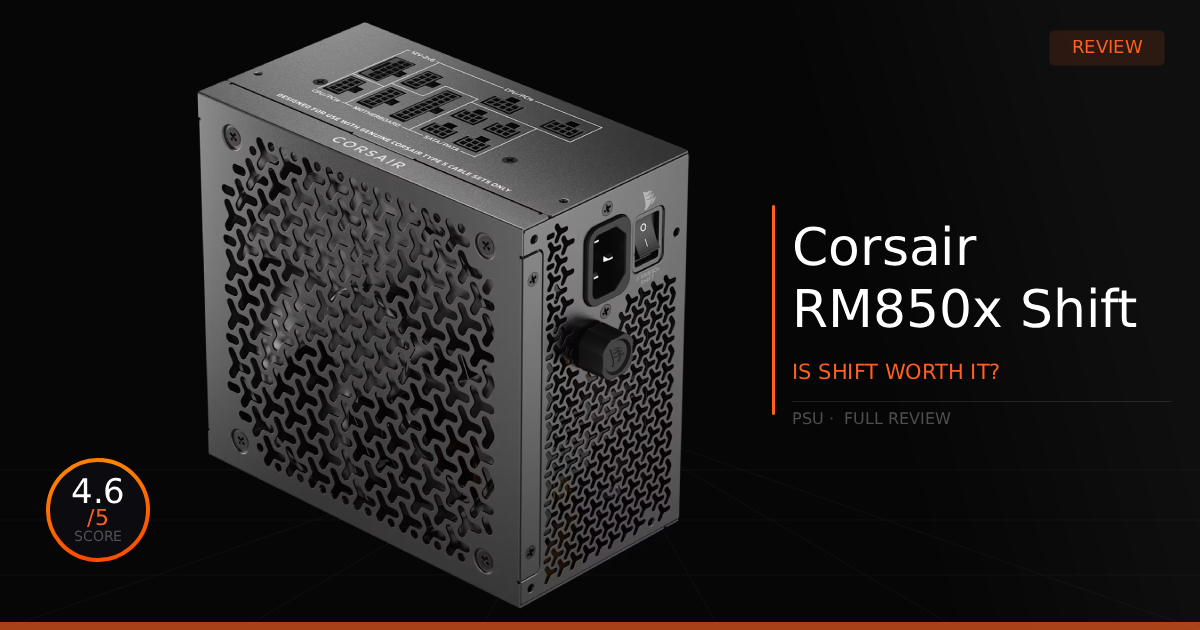
Corsair RM1000x vs. Corsair RM1000x Shift Comparison
Here is our comparison for the Corsair RM1000x vs. the Corsair RM1000x Shift and then how well the Corsair RM1000x does to supply power to keep your high-end gaming PC stable and have no power delivery issues.
Specification | Corsair RM1000x | vs. Corsair RM1000x Shift |
|---|---|---|
Modular Interface Placement | Positioned on the traditional rear face of the unit, opposite the power switch. | Rotated entirely to the side face of the PSU chassis for open layout accessibility. |
Cable & Connector Type | Uses standard-sized, heavy-duty Corsair Type 4 modular connectors. | Utilizes ultra-slim, space-saving Corsair Type 5 micro-fit connectors. |
GPU 12VHPWR Power Handling | Fully Native: Includes an embossed 12V-2x6 (12+4 pin) cable plugging straight into the rear interface. | Fully Native: Includes a Type 5 12V-2x6 (12+4 pin) cable plugging straight into the side interface. |
Fan Architecture & Controls | Features a 140mm FDB fan paired with a unique hardware manual fan override knob on the housing. | Features a 140mm FDB fan entirely managed via an automated, internal smart fan curve. |
Enclosure Dimensions | Measures 150 x 86 x 160 mm, dropping 20mm of depth from older versions for an easier fit. | Measures 150 x 86 x 180 mm, retaining a longer chassis to accommodate the side connector panel. |
Case Compatibility Needs | Fits cleanly into virtually any standard ATX case layout without side panel clearance limitations. | Requires a case with at least 30mm of open space next to the PSU shroud for the cables to turn. |
How Does the Corsair RM1000x Perform Daily?
Getting right to the point, we don't have an RTX 5090 to currently stress this power supply to its limits. However, with an RTX 4080 paired with a 7800X3D, can we just say, even at high, extreme loads pushing the card to the max, we get stable power with absolutely no crashing. Neither component combined can really push this PSU far enough to cause any power delivery issues.
Notably, just leaving the fan speed knob all the way down so it stays on auto seems to be the best setting, unless you specifically need a consistent RPM going. It stays extremely quiet during light loads and daily tasks. In games that start pulling more power draw, it does ramp up, but it's usually not very loud unless you're pushing the PSU to its absolute limits, which is when it will ramp up a lot more, causing more sound. Usually, this only happens when there is no power headroom left at all. (You'd likely achieve this by running a 14900K paired with a RTX 5090, you would probably not have enough wattage.)
Who Shouldn't Purchase Corsair RM1000x
You Have an RTX 5090: If you have an RTX 5090 and a high-end chip that draws lots of power, we'd consider getting the same power supply but at a higher rated wattage to be safe. Otherwise, it could cause random shutdowns, underperformance, and possibly even damage your hardware. Luckily, though, this power supply is highly rated, so you most likely won't damage any components by accident.
Game Tested Tech Score: 4.4/5
The Verdict
If you need a power supply that will pretty much cover all tiers of performance without the extra cost of aesthetics or special features, like displaying metrics on a screen, then we highly recommend the Corsair RM1000x. It is perfect for a simple upgrade without overspending on extra features to power your gaming PC.