
Affiliate Disclosure: Some links in this article may earn us a small commission if you make a purchase, at no additional cost to you.
What Is The Best Gaming CPU For Your Budget?
A good gaming CPU won't make your aim or in-game mechanics any better, but it does help your PC keep up when things get intense. If you are chasing high refresh rates in competitive shooters, having enough CPU performance matters just as much as picking the right graphics card. Higher average FPS is great, but keeping those frame rate dips under control matters too, especially when you are right in the middle of a fight.
However, you don't need to buy the most expensive processor just to enjoy smooth gaming. It comes down to the games you play, the graphics card you are pairing it with, and whether you also need your PC for heavy professional work. Here is our list of top CPU choices for high-end gaming, work, and tighter budgets.
A Quick Glance
This is our quick glance at the top 5 CPUs with the best overall performance, best value, and best budget option. More information on these CPUs below.
CPU | Best For | Specs & Platform | Tier / Budget |
|---|---|---|---|
High Refresh Competitive Gaming | 8 Cores / 16 Threads / 96MB L3 Cache / Up to 5.6GHz / AM5 | Flagship Gaming | |
High-FPS Value When Discounted | 8 Cores / 16 Threads / 96MB L3 Cache / Up to 5.0GHz / AM5 | Discounted Gaming Sweet Spot | |
Heavy Workloads & High-End Gaming | 16 Cores / 32 Threads / 192MB L3 Cache / Up to 5.6GHz / AM5 | Premium Work & Play | |
Budget Gaming On AM5 | 6 Cores / 12 Threads / 32MB L3 Cache / Up to 5.0GHz / No Integrated Graphics | Budget Competitive | |
Affordable DDR4 Builds | 10 Cores, 6 Performance + 4 Efficient / 16 Threads / Up to 4.7GHz / LGA 1700 / No Integrated Graphics | Budget Build Value |
1. Ryzen 7 9850X3D - Best Overall Gaming CPU
Quick Take
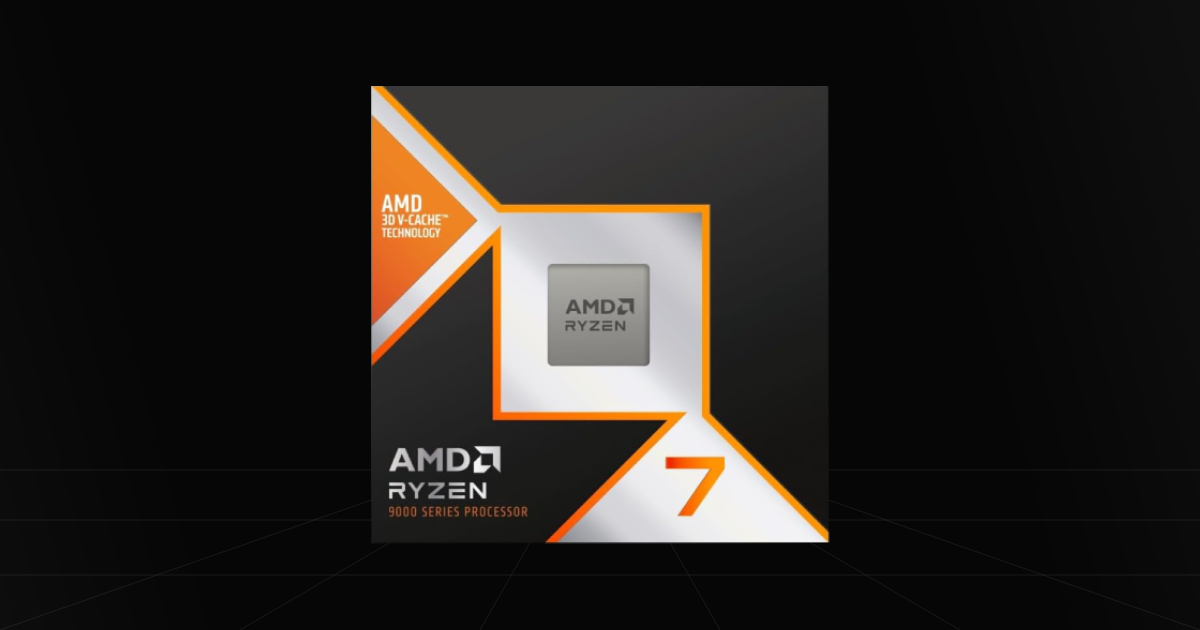
The 9850X3D is our top gaming pick because of its high amount of 3D V-Cache, reaching 96MB of L3 cache, not to mention its boost clock of up to 5.6GHz. If you are chasing 360Hz or 540Hz in competitive shooters, this is the kind of chip worth looking at. Just remember, the game, settings, and graphics card still decide whether you can actually reach those frame rates.
The Catch
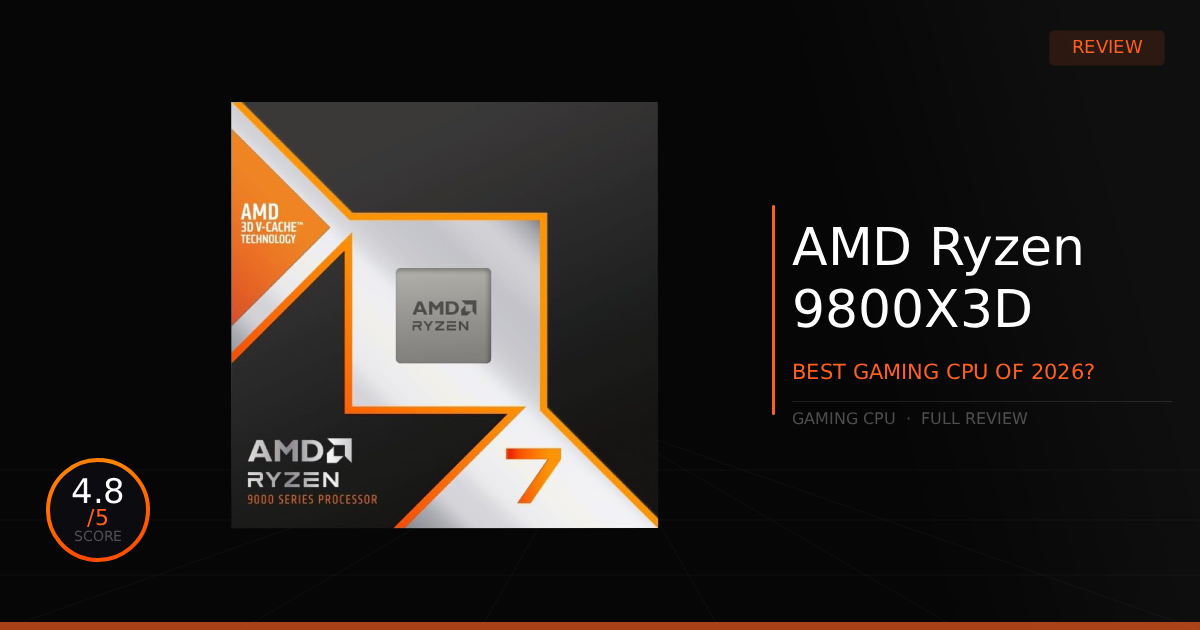
Honestly, the 9800X3D is very close and is worth grabbing for cheaper if you wanna save a couple bucks. The extra clock speed on the 9850X3D gives it a small lead rather than a completely different gaming experience. TechSpot's testing found roughly a 4% to 5% average advantage in its CPU-focused comparison, with smaller differences when the graphics card became the limit. TechSpot's 9850X3D testing
Where To Buy
➔ Check Price on Amazon
➔ Check Price on Newegg
Why We Chose It
This is the CPU for those looking for high refresh rates and strong performance in CPU-heavy games. Its gaming performance is the main reason to buy it, rather than paying for extra cores you might never use.
However, if you already have a 9800X3D, we wouldn't rush out to replace it just for that small improvement. The 9850X3D makes more sense for a new build or a bigger upgrade from an older processor.
It uses AM5 and DDR5, so remember to include those costs if you are moving from an older platform. You also need to budget for a cooler, since one isn't included. AMD recommends liquid cooling for optimal performance.
Pros & Cons
Pros
Top-End Gaming Performance: A strong choice for CPU-heavy games and competitive players chasing high refresh rates.
96MB Of L3 Cache: Gives games that benefit from 3D V-Cache more room to work.
Unlocked For Overclocking: Gives you tuning options if you want to push it further.
Cons
High Entry Price: Still a premium purchase for an 8-core processor.
Small Step Above The 9800X3D: A cheaper 9800X3D can make more sense, especially if you aren't chasing every last frame.
Platform Costs Add Up: Requires an AM5 motherboard, DDR5, and a separate cooler.
2. Ryzen 7 7800X3D - Best Value For Gaming
Quick Take
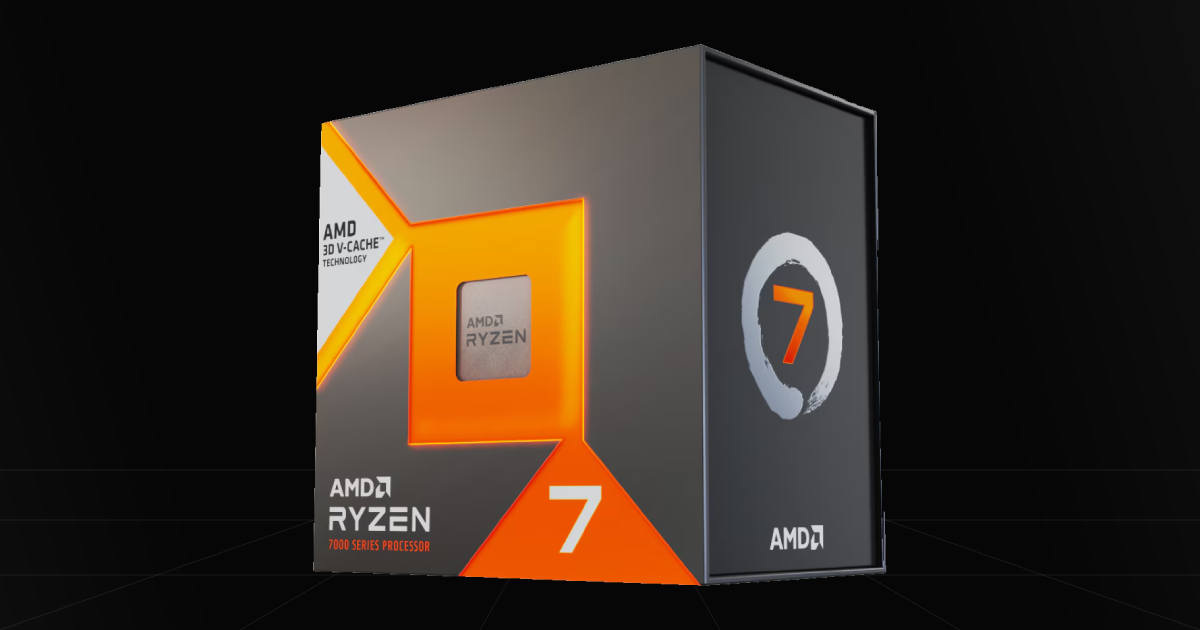
The 7800X3D is great because of its 3D V-Cache. It's worth looking at when you want a cheaper chip that can still provide strong competitive gaming performance. It isn't the newest option anymore, but that doesn't suddenly make it a bad gaming CPU.
The Catch
The price is what makes or breaks this pick. If it costs nearly as much as a 9800X3D or 9850X3D, we would go with the newer chip instead. The 7800X3D makes sense when the discount is big enough to leave more money for the rest of your build.
Where To Buy
➔ Check Price on Amazon
➔ Check Price on Newegg
Why We Chose It
It's a gaming-focused option for those looking for high FPS on a tighter budget. You still get 8 cores, 16 threads, and 96MB of L3 cache, without necessarily paying the price of the newest X3D models.
Just don't expect identical performance to the newer chips in every game. The gap depends on what you play and how much your graphics card is holding things back. It remains a capable option, but the newer models do have an advantage in CPU-limited testing.
For someone already using a 7800X3D and enjoying smooth gaming, there also isn't much reason to panic about upgrading. Keep it until your own games or workloads give you a reason to replace it.
Pros & Cons
Pros
Strong Gaming Performance: Still a capable choice for high-FPS gaming.
Discount Potential: Can make a great purchase when priced well below the newer X3D options.
AM5 Platform: Gives you the option to move to another compatible AM5 processor later.
Cons
Value Depends On The Price: Older doesn't always mean cheaper, so compare it with the 9800X3D and 9850X3D before buying.
Less Headroom For Heavy Work: Its 8 cores aren't the same as having a Ryzen 9 for workloads that can use more cores.
DDR5 Required: Won't let you reuse DDR4 from an older build.
3. Ryzen 9 9950X3D2 - Best CPU For Play & Work
Quick Take
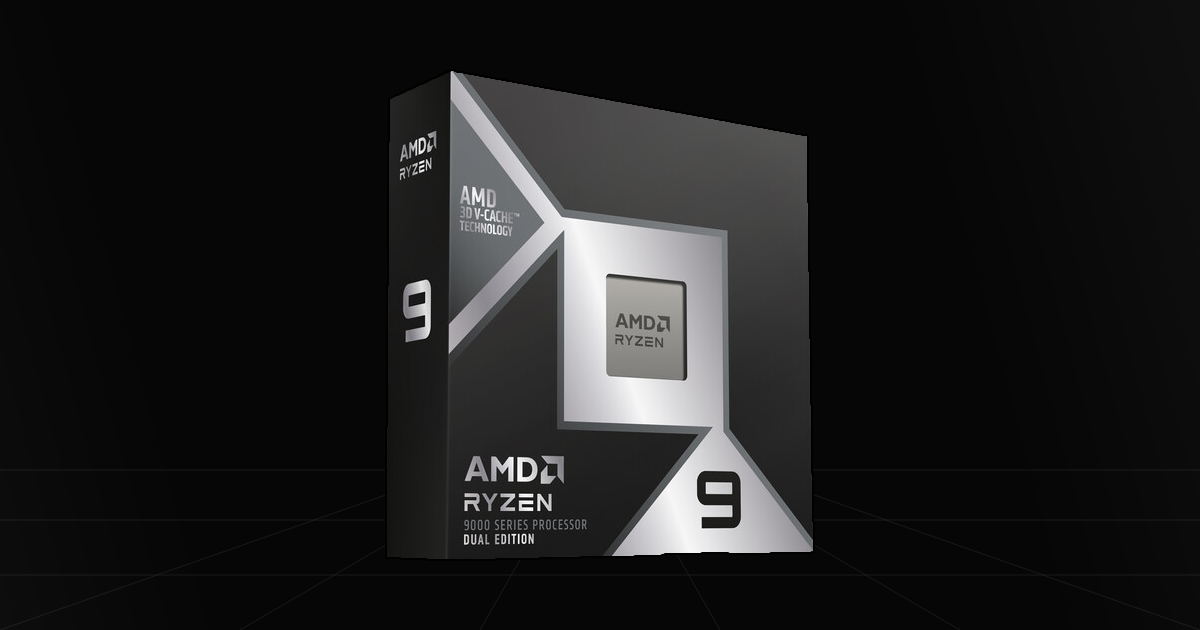
The 9950X3D2 gives you far more headroom for heavy workloads while still keeping high-end gaming performance. With 16 cores, 32 threads, and 3D V-Cache on both CPU chiplets, this is the option for someone who needs their PC to do more than just game.
The Catch
Noticeably, this is an expensive CPU. AMD currently lists it at $899, and having extra cache doesn't mean every program or game becomes much faster. Honestly, if your work doesn't benefit from that extra cache, the regular 9950X3D is worth looking at before spending more. For gaming alone, we would stick with an 8-core X3D option.
Where To Buy
➔ Check Price on Amazon
➔ Check Price on Newegg
Why We Chose It
This is the specialist work-and-play pick on our list. Its 16 cores give you more room for professional workloads that can actually use them, while its gaming performance means you don't have to give up high-FPS gaming just because your PC also needs to get work done.
However, the dual-cache design is something you should buy for a reason. Independent testing shows that it isn't a clear improvement over the regular 9950X3D across every workload, so spending more just to get the biggest model number doesn't make much sense.
Cooling is another part of the bill. With a 200W rated TDP and no included cooler, this isn't the place to squeeze in the cheapest cooling option you can find. AMD recommends liquid cooling for optimal performance. You should also choose your RAM capacity around the work you actually do, rather than assuming this chip needs a massive amount of memory just to function properly.
Pros & Cons
Pros
16 Cores & 32 Threads: More headroom for demanding workloads that can use the extra cores.
High-End Gaming Performance: Lets one PC handle professional work and serious gaming.
Dual 3D V-Cache Design: Offers additional cache for workloads that benefit from it.
Cons
Very High Price Tag: Hard to justify if your PC is mainly for gaming.
Workload-Dependent Benefits: The extra cache isn't a big upgrade in every application.
Cooling Costs: Needs a suitable cooling setup, especially for sustained heavy work.
4. Ryzen 5 7500F - Best AM5 Entry CPU (Best Budget CPU for Performance)
Quick Take
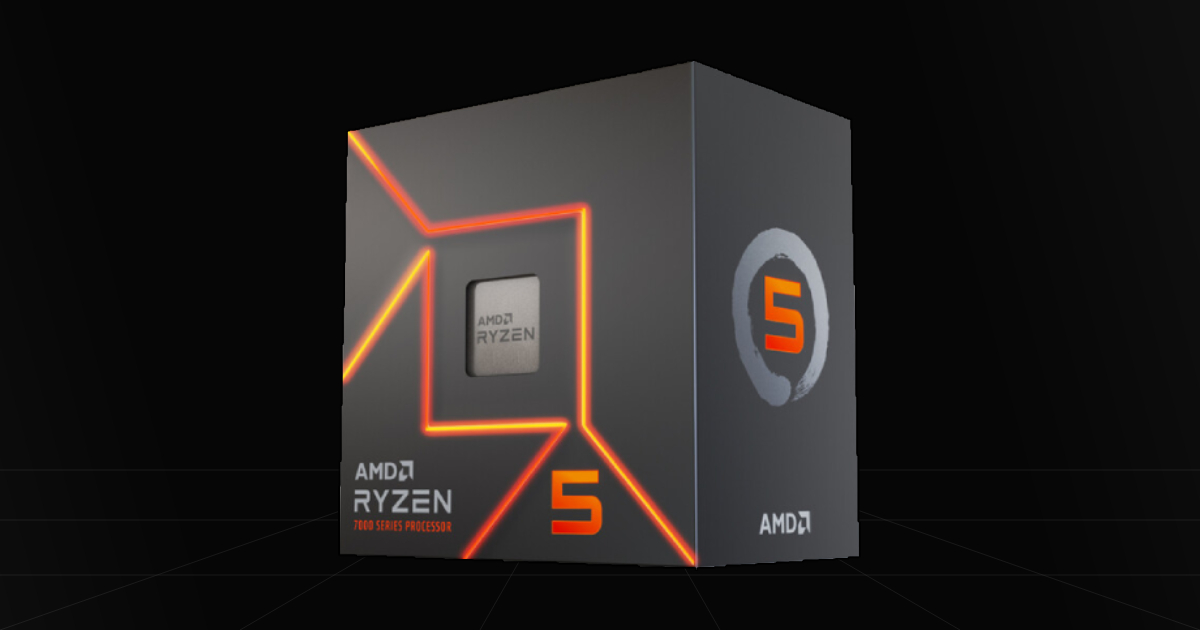
We believe the 7500F is a great budget CPU for competitive gaming. It gives you 6 cores and 12 threads on AM5, letting you save now without starting on an older platform. If you would rather put more of your money into a graphics card, this is a sensible place to start.
The Catch
It has no integrated graphics, so a dedicated GPU is mandatory. You also need DDR5, which means the cheap CPU price doesn't tell you the whole build cost. Compare it with the Ryzen 5 7600 too, especially if the price difference is small. Availability, cooler bundles, and seller warranty coverage are worth checking before buying.
Where To Buy
➔ Check Price on Amazon
➔ Check Price on Newegg
Why We Chose It
The 7500F makes sense for someone who wants good gaming performance without spending X3D money. Its gaming performance is close to the Ryzen 5 7600, with the missing integrated graphics being one of the main tradeoffs.
For competitive titles like Valorant or CS2, it's worth considering as part of a budget build. Just don't expect a fixed FPS advantage over an Intel chip in every game. Your memory, graphics card, settings, and the game itself all affect the result.
The best part is being able to save now and swap in a compatible X3D processor later if you need more performance. Check your motherboard's CPU support and BIOS requirements first, of course, but you don't have to start with the expensive chip to build a decent gaming PC.
Pros & Cons
Pros
Budget Gaming Performance: A sensible starting point for a lower-cost gaming build.
AM5 Upgrade Options: Lets you consider a compatible X3D upgrade later.
More Room For Your GPU Budget: Avoids spending flagship CPU money before you need to.
Cons
No Integrated Graphics: You need a dedicated graphics card to get a display.
DDR5 Platform Costs: The motherboard and memory can eat into the savings.
Six-Core Limits: Not our first choice for sustained professional workloads that benefit from more cores.
5. Intel Core i5-14400F - Best Budget CPU For Gaming
Quick Take
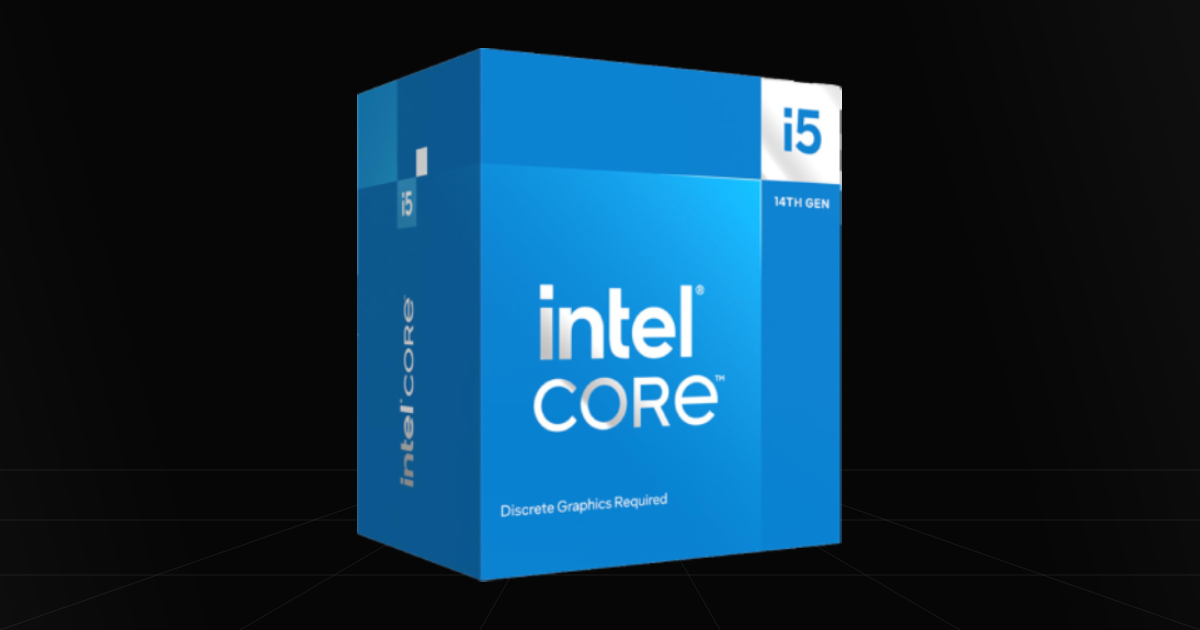
While the 14400F isn't necessarily the fastest budget chip for your games, it has a useful advantage. Being able to use DDR4 can make it a great option for those on a very tight budget, especially if you already have a compatible memory kit.
The Catch
You need the right motherboard for the memory you plan to use. A DDR4 board won't take DDR5, even though the processor supports both. LGA 1700 also gives you less room for a newer-generation platform upgrade, so make sure the savings are worth that tradeoff.
Where To Buy
➔ Check Price on Amazon
➔ Check Price on Newegg
Why We Chose It
This is the option for good performance on a tight total build budget. Its 6 performance cores and 4 efficient cores give you 10 cores and 16 threads altogether, but don't compare that number directly with 10 identical full-performance cores.
For everyday gaming and general use, it's a sensible option when the CPU, motherboard, and DDR4 come together at a good price. That is the main reason we would choose it, rather than expecting it to win every competitive gaming benchmark.
A decent tower air cooler is a sensible pairing if you want more cooling headroom without spending loads. Like the 7500F, it has no integrated graphics, so you will need a dedicated GPU. If the complete build costs nearly as much as an AM5 alternative, we would compare both carefully before committing to the older socket.
Pros & Cons
Pros
DDR4 Support: Can help lower the build cost or let you reuse compatible RAM.
Useful Core Mix: Handles everyday gaming, background tasks, and general use.
Affordable Build Potential: Worth considering when the motherboard and memory savings add up.
Cons
Older Platform: Same-socket upgrades are possible, but moving to a newer Intel socket means replacing the motherboard.
No Integrated Graphics: Requires a dedicated graphics card.
Not Our Top High-FPS Pick: Competitive players chasing the highest frame rates should compare game-specific results before buying.
Which CPU Is Right For You?
When choosing a new gaming CPU, it unfortunately comes down to your budget, but also what you actually expect your PC to do. Are you chasing every last frame on a high refresh rate monitor, or do you just want a decent gaming setup without spending your whole budget on the processor?
I would personally checkmark the games you play and the graphics card you are pairing it with first, followed by the total motherboard, RAM, and cooling cost. If the GPU is already the main limit, buying a more expensive CPU may not give you much extra FPS.
For high-end gaming, the 9850X3D is our top pick, while a cheaper 9800X3D is worth grabbing if you wanna save a couple bucks. The 7800X3D still makes sense when discounted enough. The 7500F is our budget AM5 starting point, while the 14400F is worth considering when DDR4 makes the complete build cheaper.
Then there is the 9950X3D2, which is the specialist choice for heavy work and gaming. Don't buy it just because it has the most cores or cache on this list. Make sure the work you do actually gives you a reason to spend that much.
At the end of the day, you don't need the biggest CPU to enjoy your games. Pick the one that fits your setup and leaves enough money for the rest of the PC.