
Affiliate Disclosure: Some links in this article may earn us a small commission if you make a purchase, at no additional cost to you.
Netgear GS308 is the Most Affordable Entry Into Wired Gigabit Expansion
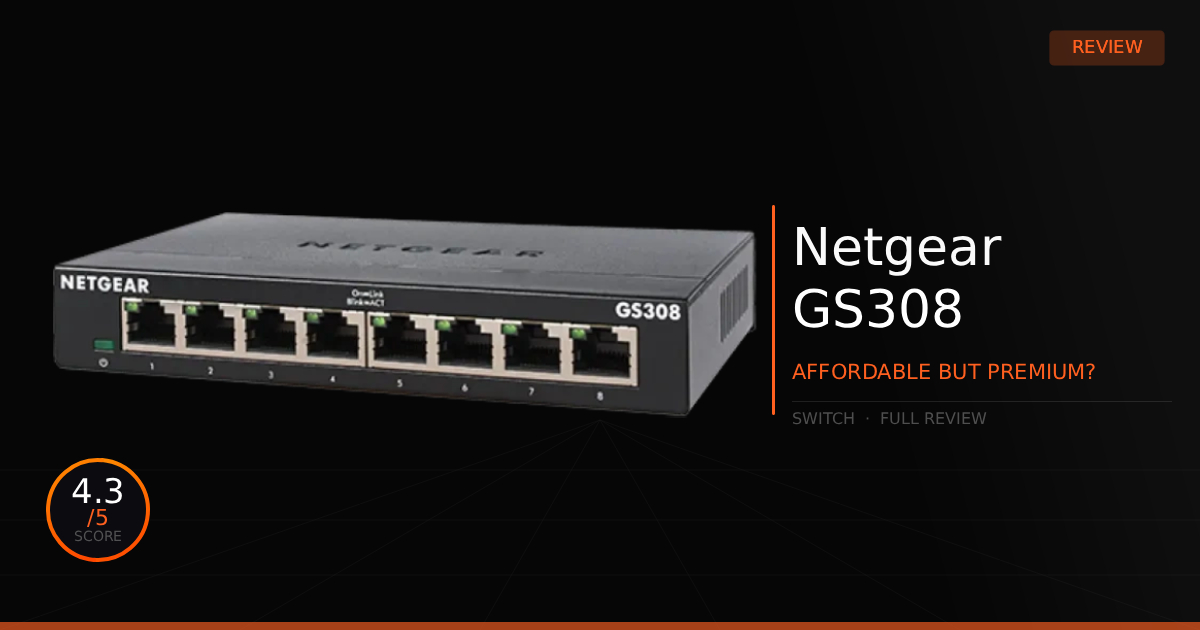
When searching for an easy way to expand your wired network without overspending, the Netgear GS308 speaks numbers, literally. The Netgear GS308 features several high-speed Ethernet ports and a cheap price tag, yet it still manages to provide a high-quality build while being fully Plug and Play. Of course, its age does show with a few outdated specifications, but that is exactly what makes it so affordable. Does that actually hurt real-world performance? Let's take a look and find out.
GTT Quick Score: 4.3/5
Quick Verdict:
The Netgear GS308 is the budget friendly savior for cluttered home networks, delivering solid, zero setup Gigabit speeds for under $30. If you need instant, plug-and-play wired ports without breaking the bank, this durable metal switch is an absolute no-brainer.
➔ Check Price At Amazon
➔ Check Price At Newegg
Our Summary:
Getting right into the core of the question: no, it won’t hurt your advertised raw performance. This device features eight 1-Gigabit Ethernet ports and is completely unmanaged, meaning every single port delivers a super-fast 1Gbps connection with zero setup required, making it truly plug-and-play. The only main factor that could be seen as hurting its performance is that the speeds are a bit outdated by modern standards. For most people, however, a 1Gbps uplink and downlink is more than enough for the everyday devices you will connect to an unmanaged switch.
What do you lose, though? While this device is super affordable, and dare we say cheap, the price fluctuates a bit but usually stays well under the $30 mark these days. That budget-friendly price point does mean you drop premium features like Power over Ethernet (PoE) support and faster 2.5Gbps or higher ports, and you are limited to just 8 ports total. Upgrading to a switch that features all of that will likely push your budget toward the $100 mark. Finally, the biggest catch to consider is home network security; an unmanaged device like this still needs to be used thoughtfully, which we will go over more in the real-world use section.
Why This Matters For Your Home Network:
Plugging in the Netgear GS308 gives you instant extra port access for home security camera setups, home entertainment centers, and more severe hardwired power for your home devices.
Netgear GS308: What Are The Specs?
Technical Specification | NETGEAR GS308 Details | Why It Matters for Your Home Network |
|---|---|---|
Port Configuration | 8 x 10/100/1000 Mbps RJ45 Ports | Instantly expands your wired network capacity, letting you hook up multiple high-bandwidth devices like PCs, consoles, smart TVs, and mesh nodes without relying on unstable Wi-Fi connections. |
Switching Architecture | Full Non-Blocking Wire-Speed Performance | Delivers maximum throughput simultaneously across all ports without data congestion. It ensures massive local file transfers and heavy download streams never choke or bottleneck your local hardware lines. |
Management Protocol | 100% Plug-and-Play Unmanaged Design | Eliminates the need for complex software installations, firmware updates, or manual configurations. You simply plug in your cables and enjoy instant, zero-maintenance network expansion right out of the box. |
Acoustics & Thermals | 0 dBA Fanless Design | Operates completely silently by shedding heat passively through its housing. This makes it ideal for noise-sensitive spaces like home offices, living rooms, bedroom setups, or entertainment centers. |
Power Efficiency | Green Ethernet & IEEE 802.3az Compliance | Automatically scales down power usage based on cable lengths and active link status. It minimizes electrical draw and optimizes operating costs during low-traffic periods. |
Chassis Build Quality | Rugged Durable Metal Enclosure | Offers excellent physical durability and superior passive cooling over cheap plastic alternatives. The compact frame supports flexible desktop or wall-mount deployment to keep your workspace clean. |
Pros & Cons of the Netgear GS308
Pros
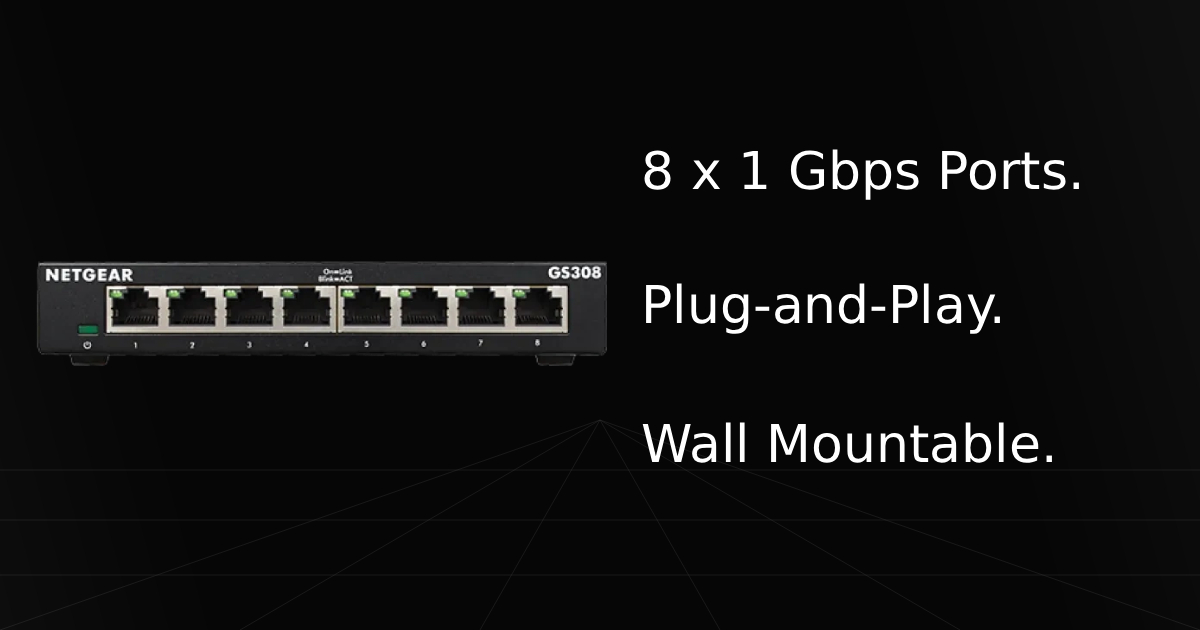
Multiple Gigabit Ports: Features 8 x 1 Gbps Ethernet ports to deliver an instant boost in wired connectivity across your entire home network.
Plug & Play Setup: Works perfectly straight out of the box, all you have to do is connect the power and run a single cable to your router to make the rest of the ports instantly active.
Quiet & Sturdy Build: Engineered with a fanless design and a durable metal housing, ensuring completely silent operation and a solid physical footprint.
Cons
No Power over Ethernet (PoE) Support: It cannot supply power to connected hardware over Ethernet cables, meaning you will need separate PoE injectors or a completely different switch to power devices like access points or IP cameras.
No Advanced Controls: As an unmanaged switch, it completely lacks advanced management capabilities like Quality of Service (QoS) traffic prioritization, link aggregation, and crucial network security features like VLAN support.
Real World Use With The Netgear GS308
Netgear GS308 vs Netgear GS108 Comparison
Here is our comparison for the Netgear GS308 vs the Netgear GS108 and then how well the Netgear GS308 does as a unmanaged Plug & Play switch on the daily for wired connectivity.
Specification | NETGEAR GS308 | vs. NETGEAR GS108 |
|---|---|---|
Market Segment & Class | Part of NETGEAR’s Home/Consumer hardware family. | Positioned directly within NETGEAR’s ProSAFE Business series. |
Hardware Warranty Policy | Backed by a standard 3-year limited hardware warranty. | Outfitted with a premium Limited Lifetime Hardware Warranty with Next Business Day replacement. |
Component Reliability (MTBF) | Rated with a Mean Time Between Failures (MTBF) of roughly 386,500 hours. | Boasts a massive MTBF rating of well over 1,000,000 hours. |
Packet Buffer Allocation | Uses a baseline internal memory pool optimized for standard home data traffic. | Features a fixed, high-capacity 192KB packet buffer size to cache bursts of inbound data smoothly. |
MAC Address Table Capacity | Houses a standard 4K entries (4,000) physical address table. | Built with a larger hardware table holding up to 8K entries (8,000) media access control addresses. |
Total Fabric Switching Bandwidth | Delivers an aggregate, non-blocking line rate capacity up to 16 Gbps across all active lines. | Shares the exact same core fabric capacity matching at a total line speed of 16 Gbps. |
Physical Chassis & LEDs | Housed in a compact metal shell featuring rear-facing Ethernet ports with status lights grouped away from the jacks. | Built with a heavy metal casing featuring front-facing Ethernet ports with integrated status LEDs built directly onto each port. |
How Does the Netgear GS308 Perform Daily?
When using this device, it is incredibly friendly for network novices and truly plug-and-play. All it takes is powering the unit and running an Ethernet cable from your router, gateway, or even daisy-chaining it from another switch. However, if you are going to daisy-chain, we actually recommend that your main upstream switch be a manageable model, unlike this Netgear GS308. In daily operations, we get consistently strong transfer speeds on every connected device, and it works flawlessly for adding extra ports.
Even with all that praise, we should bring up a very rare scenario, not to scare you, as it likely won't occur on a standard home network, but to keep you informed. Security on unmanaged switches is a bit lacking. They certainly aren't recommended for heavy home server or business use unless you are just connecting a few basic computers.
If you want to play it safe and optimize your setup, the best practice is to be intentional about what devices you connect to an unmanaged switch. You could even use multiple switches to isolate your traffic, assigning one exclusively for entertainment devices and another for security cameras. From there, you can configure the main router port feeding that switch to VLAN Access Mode and implement strict firewall rules. Finally, by disabling settings like UPnP (Universal Plug and Play) on the devices connected to that switch, you keep them as safe as possible from outside malware or other compromised computers on your local network. While a targeted attack on a home network is still very unlikely, it certainly does happen, and taking these steps gives you peace of mind.
Who Shouldn't Purchase Netgear GS308
Wants PoE Setup: If you want to be able to power devices over an Ethernet connection, like PoE-supported access points or security cameras, then this device will not function for that intention. You will have to get its PoE variant instead.
Advanced Manageable Settings: If you actually want to be able to adjust settings like QoS (Quality of Service) or implement advanced security settings, then you are going to need a more premium, managed switch.
Game Tested Tech Score: 4.3/5
The Verdict
If you want a switch that can give you quick, cheap access to extra ports for your home network with Gigabit speeds and no networking knowledge required, then this is the most affordable, premium option on the market for you. We absolutely recommend this switch for a quick network upgrade.