
Affiliate Disclosure: Some links in this article may earn us a small commission if you make a purchase, at no additional cost to you.
Is it good enough for work for a budget price?
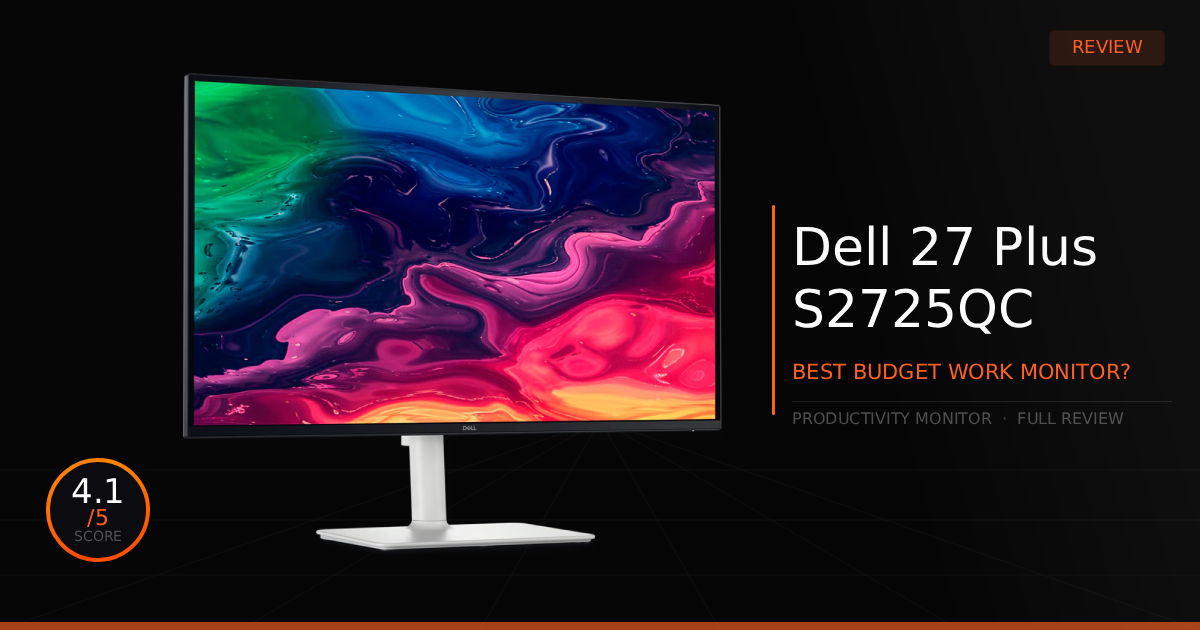
IPS panels have come a long way over the past several years, generally dominating the budget monitor scene, and the Dell 27 Plus 4K holds true to this trend by immediately sticking out to us. While this monitor isn't the absolute best in every single category, nor is it a secret gaming powerhouse, it genuinely makes daily workflow happen with ease and comfort. The IPS screen looks fantastic, the ergonomics are standard but reliable, and the overall functionality makes this a highly useful monitor all around.
GTT Quick Score: 4.1/5
Quick Verdict
The Dell 27 Plus 4K is a top-tier, budget-friendly display that makes daily productivity happen with ease and comfort thanks to its razor-sharp pixel density, upgraded 120Hz refresh rate, and convenient built-in USB-C dock. While it has noticeable stand wobble, lacks a KVM switch, and suffers from visible ghosting in games, it is an exceptional workflow beast that anyone will be happily content with for daily work.
➔ Check Price At Amazon
➔ Check Price At Newegg
Our Summary:
To dive straight into what makes this monitor great, the 4K UHD resolution combined with a 27-inch display provides exceptional pixel density, which is easily our main selling point for workflow applications. The design is standard but highly functional, featuring full tilt, swivel, and pivot adjustments for the perfect working angle. What most reviewers fail to mention is the upgrade to the stand itself, which is quite a bit sturdier compared to the previous generation. Additionally, the single-cable USB-C dock handles video, data, and 65W of power to your laptop, which can clear up that messy cable look, although it can also limit USB 3.0 speeds or cap your refresh rate at 60Hz. Finally, can you game on it? Absolutely! While it isn't our top recommendation for competitive play due to ghosting and 120Hz refresh rate cap, its vibrant colors and high resolution work incredibly well for casual 4K UHD gaming.
Why This Monitor Matters For Productivity:
That extremely visually pleasing pixel density makes text look incredibly clear, and the 120Hz refresh rate really makes doing work less of a headache; reading, writing, and video editing just become incredibly smooth on this 4K UHD display. The upgraded stand now ensures that your tilt, swivel, and pivot adjustments actually sit firmly without constantly moving out of place, which honestly, was mildly annoying on the previous version when trying to get the screen into the perfect position. All of this, combined with the built-in USB-C dock, really makes this budget monitor a total workflow beast.
Dell 27 Plus 4K: What Are The Specs?
Technical Specification | Dell S2725QC Details | Why It Matters for Productivity |
|---|---|---|
Panel Technology | Premium In-Plane Switching (IPS) Panel | Delivers expansive, flawless 178-degree wide viewing angles. Colors and text remain completely consistent and accurate without shifting or washing out if you rotate the monitor or lean back at your desk. |
Refresh Rate | Upgraded 120Hz Refresh Rate | Doubles the smoothness of a standard 60Hz office monitor. Dragging windows, scrolling down massive spreadsheets, and navigating timelines feels incredibly fluid, drastically reducing perceived eye strain over a long workday. |
Screen Finish | 3H Hard-Coated Anti-Glare Matte | Uses a highly specialized, light-scattering matte finish. Natively diffuses distracting ambient desk lamp or window reflections, allowing you to work comfortably in brightly lit spaces without constantly squinting. |
Resolution & Size | 27-Inch 4K UHD (3840 \times 2160) Layout | Hits a razor-sharp 163 Pixels Per Inch (PPI) screen density. Text looks cleanly printed, spreadsheet text reads like physical paper, and it provides massive real estate to comfortably snap 4 separate windows side-by-side. |
Single-Cable Docking | USB-C Alt-Mode with 65W Power Delivery | Acts as a full desktop docking station. A single USB-C cable transmits your video signal, feeds the monitor's built-in USB ports, and charges your laptop simultaneously, completely clearing clutter off your workspace. |
Color Accuracy | 99% sRGB Gamut Coverage | Provides accurate color tracking for web design, photo sorting, and general digital publishing workflows. Images look punchy and lifelike without any aggressive, inaccurate color over-saturation. |
Ergonomics & Stand | Fully Adjustable Height, Tilt, Swivel, & Pivot Stand | Gives you perfect physical adjustability to save your neck. Can instantly rotate 90 degrees into vertical portrait layout, making it an absolute cheat code for reviewing long lines of code, reading documents, or monitoring vertical feeds. |
Physical Expansion | Dual HDMI 2.1, USB Hub, & Dual 5W Speakers | Maximizes local device connectivity. Lets you run a work laptop over USB-C while leaving dual console or secondary PC lines plugged in over HDMI, paired with beefy built-in 5W speakers for crisp Zoom calls or background music. |
Dell 27 Plus 4K: Pros & Cons

Pros
Pixel Density: We love the 27-inch 4K resolution; it is easily our favorite feature, making text clarity so darn good thanks to that crisp pixel density (163 pixels per inch).
120Hz Refresh Rate: Notably not the highest refresh rate in the world, but it is generally great for making daily work and reading, feel incredibly smooth.
Cons
No KVM Switch: Unfortunately a negative for workflow; if you like swapping between multiple computers with a single monitor, mouse, and keyboard, you won't be able to do that with this monitor.
Stand Wobble: While we mentioned the stand was slightly upgraded, it still has some noticeable wobble when you accidentally bump it or the desk.
Dell 27 Plus 4K: Daily Real World Use
Here is our comparison for Dell 27 Plus 4K vs MSI Modern MD271UL 4K and then how well the Dell 27 Plus 4K handles daily work flows and casual use.
Specification | Dell 27 Plus 4K USB-C (S2725QC) | vs. MSI Modern MD271UL 4K |
|---|---|---|
Panel Resolution & Fluidity | Powered by an advanced 27-inch 4K IPS panel driving an upgraded 120Hz refresh rate ceiling. It delivers double the fluidity of a standard office screen, making mouse tracking and document scrolling feel significantly easier on the eyes. | Deploys a standard 27-inch 4K IPS panel locked to a traditional 60Hz refresh rate. It provides crisp text clarity for static documents, but text readability and transition smoothness drop noticeably when rapidly scrolling timelines or sheets. |
Contrast & Image Uniformity | Upgrades to an impressive 1500:1 native contrast ratio. This cuts down on the typical "IPS glow" grayness in dimly lit home offices, bringing extra depth to dark application themes and night-time video editing. | Relies on a standard 1000:1 native contrast ratio typical of entry-level displays. While perfectly bright and usable under direct overhead lighting, dark room viewing reveals flatter black levels and noticeably more gray shadow tones. |
Power & Peripheral Hub | Equipped with an active USB hub layout featuring Type-A downstream lines alongside a 65W USB-C input. It acts as a proper desktop dock, letting you permanently plug in a wired keyboard, mouse, or webcam right into the monitor shell. | Offers a streamlined video-only USB-C port with 65W power delivery. While it perfectly handles single-cable display routing and fast laptop charging, it completely lacks downstream USB-A data ports for local accessories. |
Stand Mechanics & Ergonomics | Includes a robust, fully adjustable Height, Tilt, Swivel, and Pivot stand out of the box. It lets you rotate the screen 90 degrees into a full vertical portrait layout to comfortably review long blocks of code or vertical text feeds. | Compromises physical flexibility for style, pairing with a fixed aluminum base that only supports basic forward/backward tilt. It lacks height adjustments or a rotating pivot, meaning you must rely on aftermarket risers to raise your eye line. |
Chassis Styling & Audio | Built into a modern, textured Ash White chassis featuring integrated dual 5W speakers. The premium look cleanly fits minimalist room layouts, while the hefty built-in audio setup easily handles quick video calls. | Designed with an ultra-slim 1.17 cm thick aluminum housing in an elegant Iron Gray finish. It mimics a premium furniture aesthetic on your desk, but its ultra-sleek layout completely omits integrated speakers. |
Color Gamut Optimization | Clamps its output tightly to a 99% sRGB color gamut coverage profile. This provides clean, realistic web-safe tracking that keeps browser images, layout assets, and daily digital text from looking overly saturated. | Outfitted with an ultra-wide 99% DCI-P3 and 95% Adobe RGB wide color spectrum. This makes it a surprisingly powerful budget canvas for hobbyist color grading or print photography layouts that require a massive color volume. |
Daily Use & Performance
Overall, it delivers exactly what it offers; not much really blows you out of the water, but at a budget price, it does great. Aside from a few minor details like the stand not being perfect and a little wobbly, everything else is just good. We aren't usually the type to utilize a USB-C dock, but the benefit is nice if you have a specific reason or functionality in your workflow to use it. It simply keeps things simple and convenient at the cost of some technical performance.
Maybe one other small downside is that IPS panels usually have a lot of washed-out gray over the black areas, especially when you are in the dark for video editing or general media consumption. If you care deeply about having true blacks, then a budget price point probably isn't for you.
Who Shouldn't Purchase The Dell 27 Plus 4K?
The Dell 27 Plus 4K is great for work, but its utility pretty much stops there, it is strictly built for media consumption and daily productivity.
Gaming: While this monitor can certainly be used to play games on, we would straight-up recommend buying a secondary, dedicated gaming monitor designed for an optimal gaming experience, and using the Dell 27 Plus 4K purely as a work and media display. To be clear, you can game on it, but you should expect noticeable ghosting and very mixed motion clarity without modern gaming technology.
Game Tested Tech Score: 4.1/5
The Verdict
This monitor is a top-tier, budget-friendly display to get work done on with zero headaches, offering a very high resolution, smooth motion at 120Hz, and extremely vibrant colors, all while maintaining an excellent workflow experience. Without a doubt, you can purchase this monitor for daily work and be happily content with your setup.
Our Personal Advice
If you do purchase this monitor as a hybrid gaming and work monitor, make sure to actually utilize the 120Hz refresh rate to minimize the amount of perceived ghosting. Additionally, if your hardware isn't quite powerful enough for native 4K gaming, consider turning your in-game resolution down or looking into a PC upgrade.