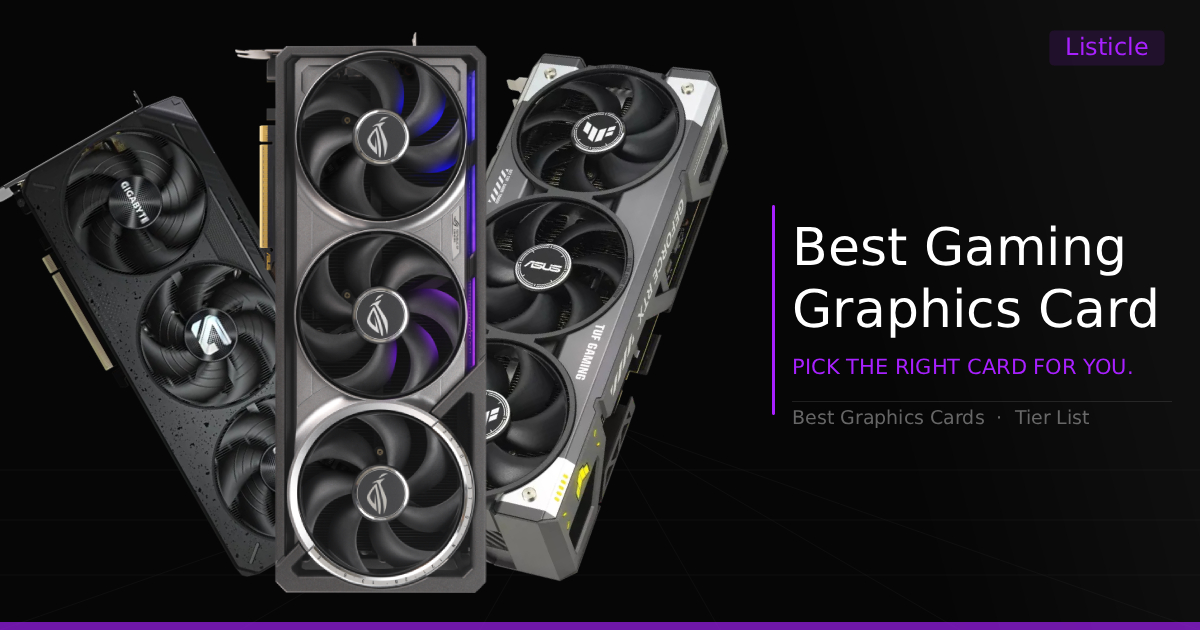
The Challenge of Finding A Graphics Card
Finding the right graphics card right now can feel like a disappointing headache, whatever that exactly means, especially with GPU prices jumping all over the place and market pricing shifting constantly. Heck, at the current time, buying just about any PC component might feel that way. Whether you're trying to build a budget 1080p rig for esports or dropping cash on an absolute unit for 4K ray tracing, overspending on performance you won't actually use is way too easy. The same goes for underspending, as you don't want to end up with a GPU that can't play your games as you intended.
To save you from digging through dozens of spec sheets, we've broken down the absolute best graphics cards you can buy right now based on real-world gaming performance, true value per dollar, and feature sets like DLSS, FSR, VRAM limits, and raw rasterization performance. Here is our quick Game Tested Tech breakdown before we dive deep into each card.
Best GPUs For Gaming: A Quick Glance
GPU Pick | Target Resolution | Best For | Awarded Title |
|---|---|---|---|
1440p / Entry 4K | Max FPS per dollar | Best Overall Value | |
1440p / Entry 4K | DLSS 4 & Heavy Ray Tracing | Best 4K Sweet Spot | |
1440p | Pure 1440p performance per dollar | Best 1440p Mid-Range GPU | |
1080p | Esports & high refresh gaming | Best Budget 1080p GPU | |
4K High-FPS | High-end power without 5090 pricing | Best High-End 4K | |
4K / 8K / VR | Zero compromises | Ultimate Flagship |
How To Pick The Right Graphics Card
Before pulling the trigger on a card, keep these three key factors in mind:
Target Resolution First: Don't buy an RTX 5090 or RX 9070 XT if you're strictly playing on a standard 1080p monitor, your CPU will bottleneck long before the GPU maxes out. Always match your card to your monitor's native resolution. (Unless if you have endless money to future proof your build for a new monitor.)
VRAM Matters More Than Ever: Modern games eat VRAM for breakfast. While 8GB is still fine for 1080p esports titles, 12GB is the minimum sweet spot for 1440p, and 16GB+ is ideal if you plan to play heavy AAA titles at high settings or 4K.
Rasterization vs. Features: If you just want raw, native frame rates without relying on upscaling, AMD almost always wins on pure price-to-performance. However, if you care heavily about Path Tracing, heavy Ray Tracing, or NVENC encoding for streaming, Nvidia's feature set still holds the crown. Of course, in many scenarios Nvidia GPU's do out perform in rasterization but no by miles, rather a small percentage and the cost is unfortunately high
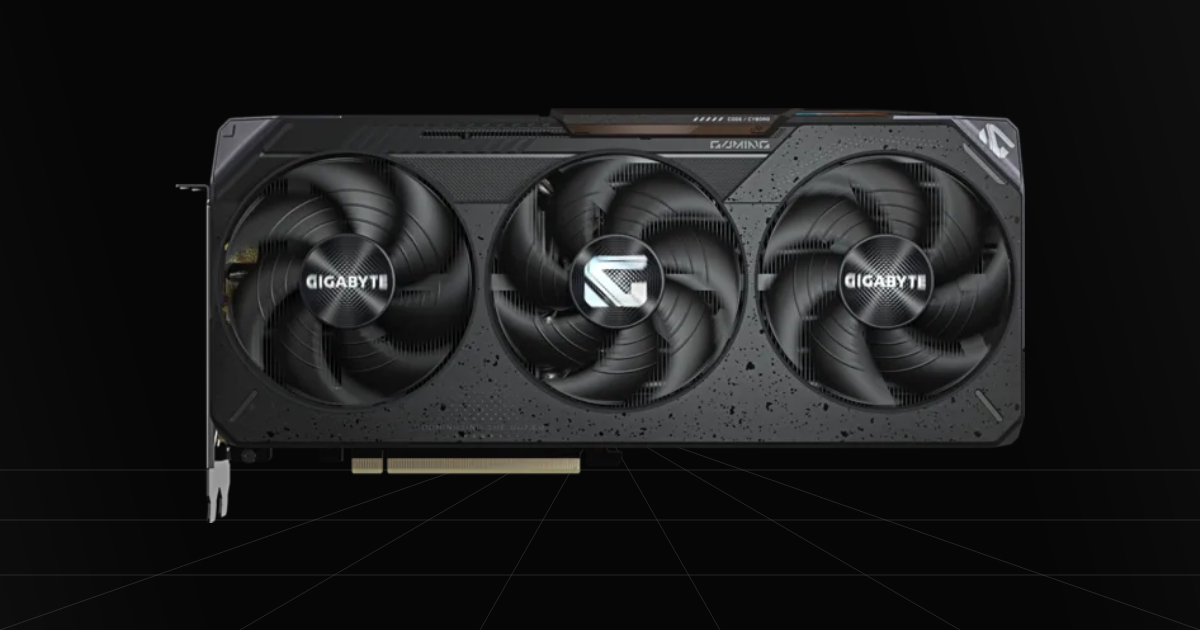
1. RX 9070 XT - Best Overall Value GPU (1440 & 4K)
Quick Take
The AMD RX 9070 XT is a top tier gaming GPU, a mid-to-high end graphics card capable of rivaling the RTX 5070 Ti blow for blow in FPS at 1440p and 4K resolution. Best of all, the RX 9070 XT costs $200, $300 less on average in 2026, making it the absolute best mid-range value pick on the market.
The Catch
In heavy Ray Tracing and Path Tracing scenarios, even when paired with upscaling tech, it still loses to Nvidia in raw performance the majority of the time, even if AMD's recent FSR and Ray Tracing improvements have been impressive.
Where To Buy
➔ Check Price for Gigabyte Gaming RX 9070 XT OC on Amazon
➔ Browse All RX 9070 XT Cards on Amazon
Why We Chose It
We consider this the best overall entry high-end gaming graphics card on the market right now if you want to experience all-around good performance for any type of gaming without overpaying. You get a high-end experience in 4K gaming with FSR 4, solid ray tracing, and high framerates in esports titles.
I stated in The Catch that the performance was technically lower, and that is still true. Compared to an RTX 5070 Ti, it loses, but barely, battling back and forth in performance across different games. Focusing on the FSR 4 and ray tracing side, where the most noticeable difference will be, while some heavy path-traced games won't run super well, the RX 9070 XT still puts up a good fight and is very playable. FSR 4 brings a dramatic increase in visual quality with no ghosting and very little visual artifacting, heavily rivaling the visual quality of DLSS 4 and 4.5, which helps stabilize performance with ray tracing and 4K graphics. That alone makes this card a super viable choice.
Pros & Cons
Pros
Value: Incredible FPS per dollar for modern day gaming GPUs.
Entry 4K: Many games will run well at 4K resolution, though some demanding titles will perform best when enabling FSR upscaling to boost performance.
FSR 4.1 Support: Having the RX 9070 XT means you get access to FSR 4.1, which upscales the scene dramatically with way less blur and significantly more detail.
Cons
FSR Trails Behind: While FSR has improved greatly and is honestly unnoticeable during actual gameplay, in full motion clarity and image quality, DLSS 4.5 still pulls ahead slightly overall.
Ray Tracing Performance: AMD ray tracing performance also usually falls behind slightly on the RX 9070 XT, even when paired with FSR upscaling.
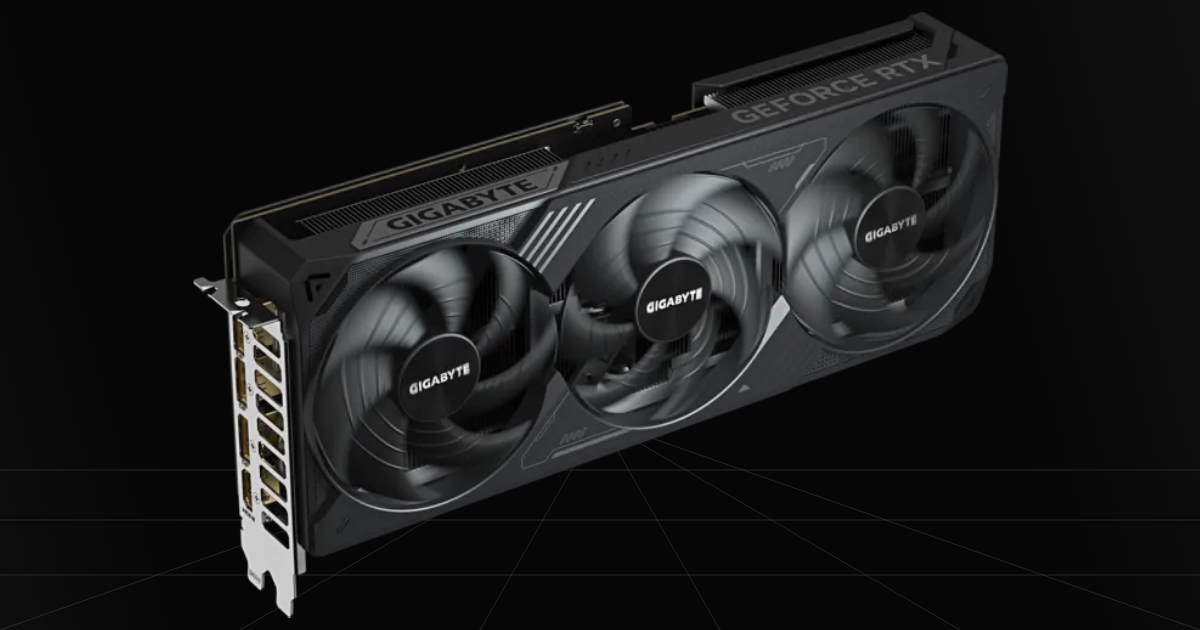
2. RTX 5070 Ti - Best Entry 4K Sweet Spot
Quick Take
The RTX 5070 Ti battles for the top of the mid-to-high end graphics card range, performing nearly the same as AMD's RX 9070 XT in raw rasterization performance. Where it truly shines is in heavy titles like Cyberpunk 2077 with intense path tracing, which it handles incredibly well thanks to ray reconstruction, Overdrive mode, and DLSS.
The Catch
Only a few games currently have path tracing built specifically around Nvidia's tech to show that dramatic performance lead over AMD. On top of that, prices on nearly all RTX 5070 Ti models have skyrocketed to $1,000+, despite not having a massive lead over its AMD counterpart. That means you are mostly paying extra for specific performance in select games, superior DLSS support, and better video encoding for content creation.
Where To Buy
➔ Check Price for GIGABYTE RTX 5070 Ti Windforce OC on Amazon
➔ Browse All RTX 5070 Ti Cards on Amazon
Why We Chose It
It sits on the expensive side of the mid-range market, making it a good purchase if you love DLSS for gaming and love turning on ray tracing in every game you play. It also establishes great 4K performance with the use of DLSS, in majority of games. Okay but not only does it have ray reconstruction to work with in games, but rather this graphics card still holds value across the rest of the board. We'd still crown it a big victory in content creation, with a lead in video codecs, GPU accelerated editing, and a huge edge in Blender rendering. More importantly for the average gamer, it gives you a slight edge in your streams and clips with better stability and quality when gaming, thanks to NVENC and AV1 encoders being top tier.
Pros & Cons
Pros
DLSS Support: DLSS 4.5 is the best upscaling available for mid-to-high end GPUs, holding a slight edge over FSR 4.
Path Tracing: Nvidia's technology can really boost image quality and performance with Path Tracing, making this the best choice for mid-range 4K ray tracing when DLSS is enabled.
Content Creation: Has an edge all around in every type of content creation thanks to Nvidia's codecs and GPU accelerated editing, completely outpacing the RX 9070 XT in Blender.
Cons
Overpriced: It's pretty much agreed upon across the entire community that it's gotten way overpriced, especially through 2026, for a mid-to-high end graphics card.
High Power Draw: Thankfully, it brings extremely high performance that climbs right into high-end territory, but that also comes at the cost of needing a solid 750W to 850W power supply.
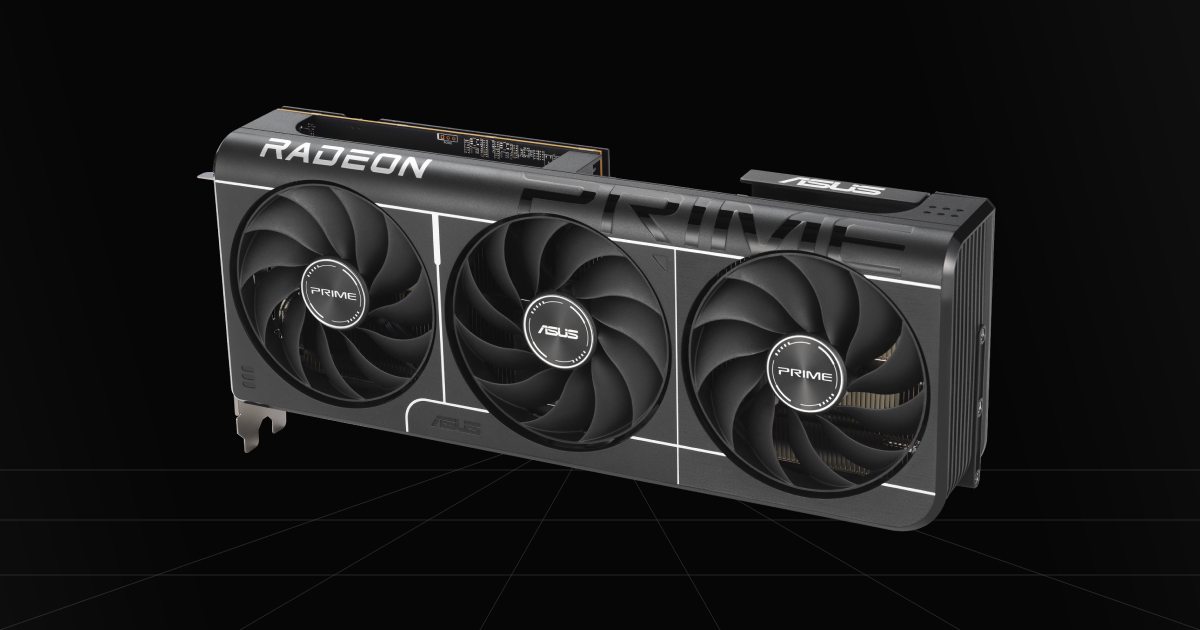
3. RX 9070 GRE - Best 1440p Mid-Range GPU
Quick Take
Without a doubt, there is no better mid-range pick you can find for gaming. The RX 9070 GRE fits perfectly here, offering rasterization performance on par with an RTX 5070 while costing $200 less on average for amazing high-framerate 1440p gameplay. Based on current pricing, it honestly makes cards like the RTX 5060 Ti and RX 9060 XT (16GB) kinda questionable purchases in our opinion. (Pricing Could Change.)
The Catch
There isn't much of a catch, but rather the fact that it's strictly a 1440p card being limited by 12GB of VRAM. Not all modern games will run well at 4K resolution, though you'll likely get away with it in some lighter titles. If you prefer DLSS, you are stuck using FSR, but considering recent software improvements, that's really not much of an issue. Lastly, there's always the chance the standard RX 9070 drops back down in price, which would make it a better overall pick.
Where To Buy
➔ Check Price for ASUS Prime RX 9070 EVO OC on Amazon
➔ Browse All RX 9070 GRE Cards on Amazon
Why We Chose It
For once, it's kinda obvious. If I were asked what mid-range graphics card to choose, I might ask a few questions on how you plan to use the card, but if we're strictly talking raw gaming rasterization performance, I'd buy this over an RTX 5070 any day of the week, unless you have an undying love for DLSS. This card has great performance at 1440p and actually sits at a true mid-range price for once, which has been very rare for a long time now. This is a perfect 1440p gamer purchase if an upgrade is well overdue.
Pros & Cons
Pros
Value: Considering the price increase of the standard RX 9070, the RX 9070 GRE is likely to stay the best overall value in the mid-range market, though prices can fluctuate at any time.
Good 1440p Gaming: The RX 9070 GRE rivals the RTX 5070 in raw performance, pushing high FPS in 1440p gaming.
FSR Support: FSR 4 support gives even more headroom for this GPU to perform, boosting frame rates while increasing visual quality.
Cons
VRAM Limitations: Being stuck at 12GB of VRAM bottlenecks this GPU from playing at 4K resolution in many modern titles, and very rarely, a few games at 1440p Ultra with Ray Tracing settings turned on will be limited by that 12GB buffer.
Lower Tier Specs: The RX 9070 GRE is a step down from the original RX 9070, dropping clock speeds and VRAM capacity lower.
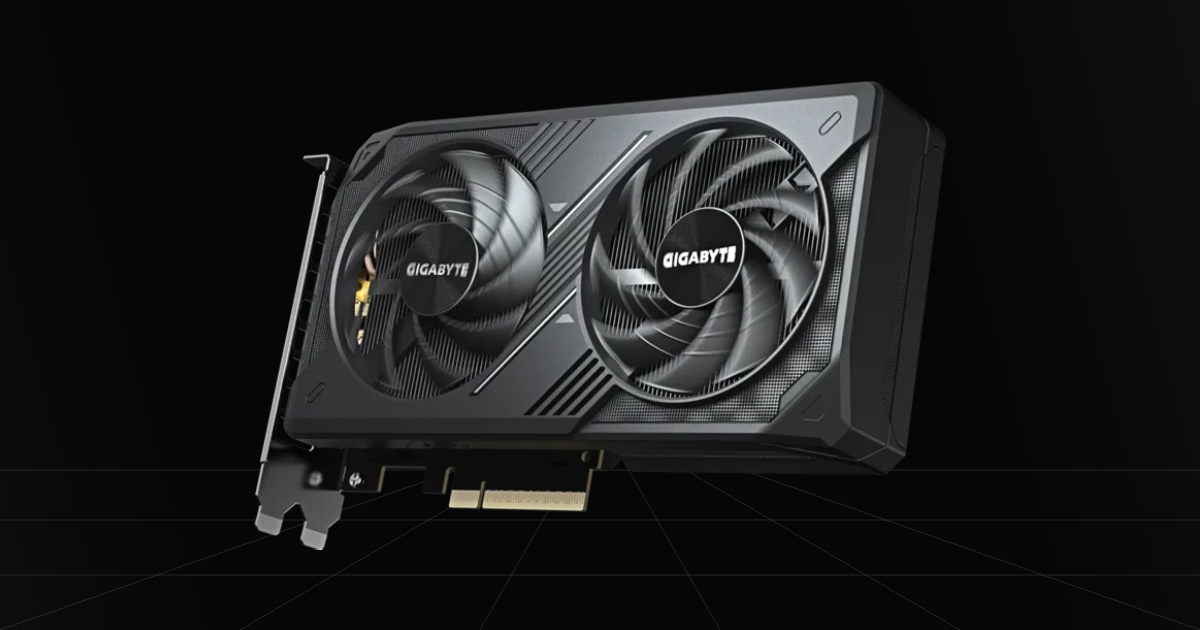
4. RTX 5060 - Best Budget 1080p GPU
Quick Take
This is a great card for gaming if you play a lot of competitive games and mainly focus on modern titles at 1080p resolution. If your goal is just sheer FPS on performance mode at 1080p, or even 1440p with all the graphics turned down paired with a nice CPU, you can expect 400 to 500 FPS easily. On top of that, newer releases will run great on high settings at its native respected 1080p resolution, even with 8GB of VRAM.
The Catch
The hard truth is, it stops there for gaming. While lowering in-game settings will let you run newer titles at 1440p, or run older games at higher resolutions, you get limited hard on the majority of modern titles on high or ultra preset settings. It's a modern 1080p card and that's where it stands. Higher resolutions with higher settings, and especially ray tracing, will be limited by its lower VRAM buffer.
Where To Buy
➔ Check Price for Gigabyte RTX 5060 WINDFORCE OC on Amazon
➔ Browse All RTX 5060 Cards on Amazon
Why We Chose It
Honestly, the main deciding factor for this card was getting the best value as a gamer on a budget without underspending on a build or overspending. I didn't want to go too low or too high for graphics card choices. Anything below this felt like it would give disappointing performance for modern gaming. Then, when compared to its RX 9060 XT (8GB) rival, the RTX 5060 is an estimated $50 cheaper currently and provides pretty much the exact same raw performance. From tests, it proves to not just have the winning upscaling technology, but actually performs better with DLSS over the RX 9060 XT 8GB model using FSR. Very minimal performance difference mind you. So both are great cards, but the RTX 5060 is the better choice to us due to pricing and features.
Pros & Cons
Pros
DLSS Support: Having DLSS 4 grants even a budget card better visuals and performance through upscaling.
Entry Gaming: The perfect balance of performance for a new builder on a budget looking to play casual games and dip into higher visual fidelity.
Affordable: Much more affordable than shelling out hundreds to thousands of dollars more for a mid or high-end graphics card.
Cons
Frame Generation Input Lag: Relying on DLSS frame generation in modern titles to increase FPS will mostly feel good if you have a solid base FPS, but starting at 60 FPS and under might introduce some delay.
VRAM Limitations: Having only 8GB of VRAM means you'll likely be stuck playing at 1080p on the majority of modern titles when turning up the graphics settings.
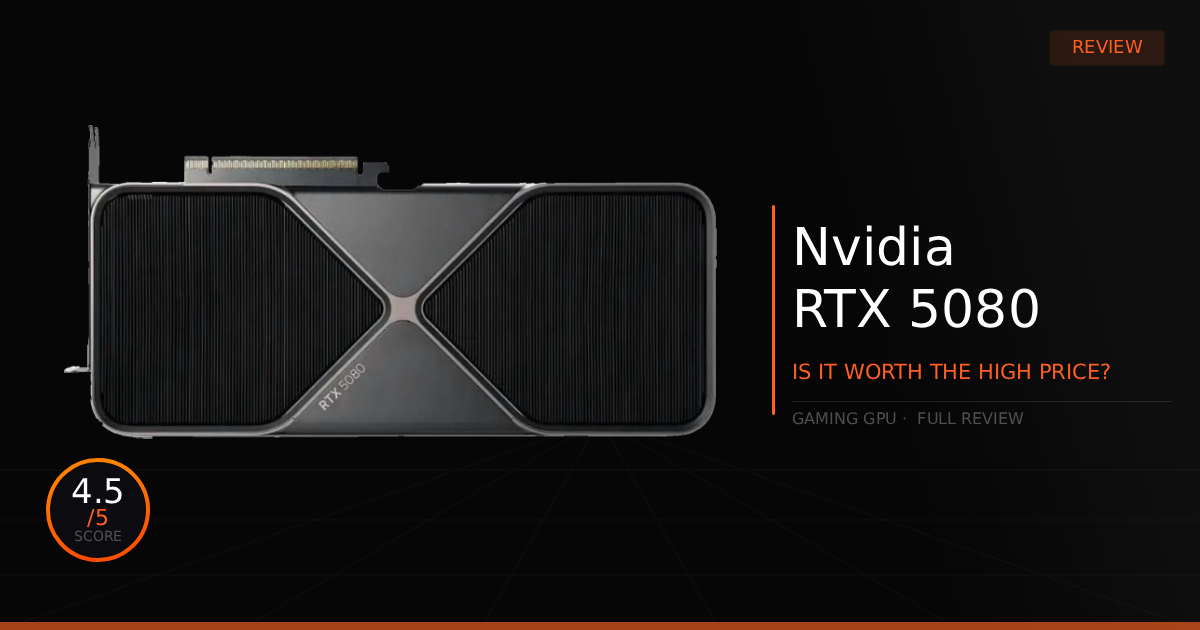
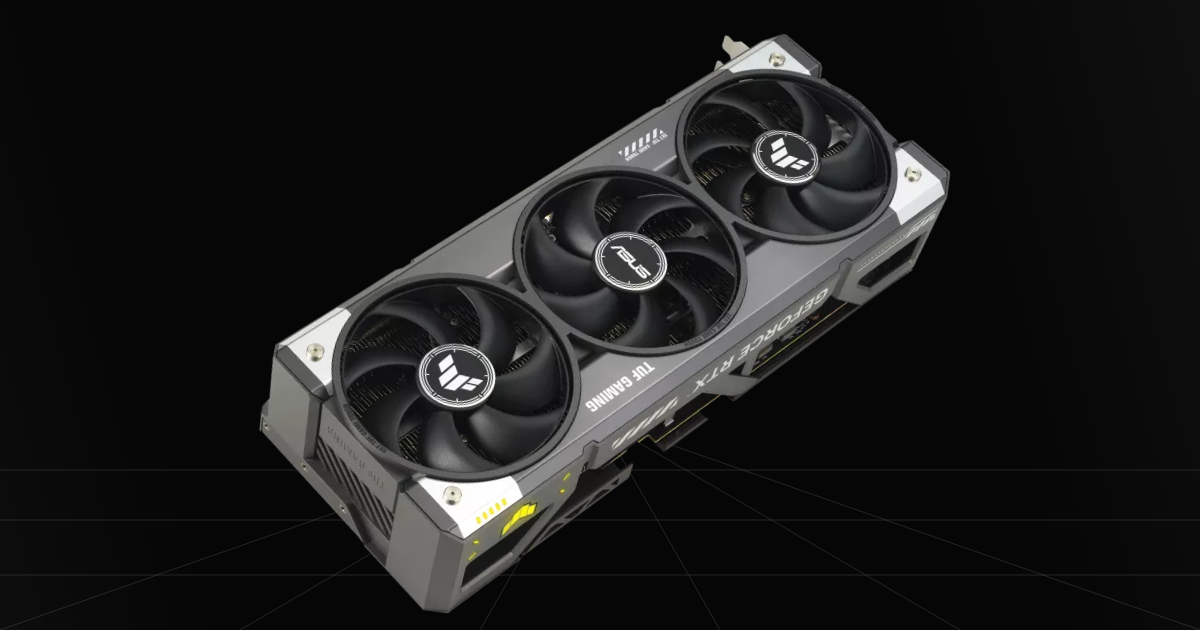
5. RTX 5080 - Best High-End 4K
Quick Take
Rivals the RTX 4090 with less power draw and similar rasterization performance this is the best high-end gaming graphics card on the market without completely selling an arm or a leg for 4K gaming thanks to it's incredible specification including it's 16GB of VRAM, combing for solid stutter free gameplay on any game.
The Catch
While it does rivals the RTX 4090, it still costs costs $1000+, it has less VRAM if you needed more, and is barely an uplift if your upgrading from an RTX 4080, to be honest it's what a RTX 4080 Ti or Super most honestly should have been.
Where To Buy
➔ Check Price for ASUS TUF Gaming RTX 5080 OC on Amazon
➔ Browse All RTX 5080 Cards on Amazon
Why We Chose It
Including the RTX 5080 is a must. It's really the best affordable high-end GPU you can currently buy, if you can even call it that. Buying a used RTX 4090 just isn't recommended due to the price being nearly double that of a new RTX 5080, unless you get lucky on Facebook Marketplace or eBay. You still get that crazy performance all across the board for 4K and VR gaming, with some of the most optimal DLSS performance around, thanks to its AI TOPS being over double its previous counterpart, the RTX 4080. No matter how you play your games, short of trying to reach 8K resolution for some reason, you're gonna have a perfectly good time running all games at 4K without the worry of running out of VRAM or getting low FPS.
Pros & Cons
Pros
Frame Generation: One of the best graphics cards for obtaining a solid baseline FPS for a smooth, lag-free frame generation experience.
DLSS Performance: Handles DLSS upscaling and frame generation at a much higher quality, lowering the amount of ghosting and artifacts in motion while delivering better ray reconstruction.
Native 4K Gaming: Running either native resolution or turning on DLAA with the RTX 5080 in many games is fairly playable, easily reaching over 60 FPS.
Cons
Generational Leap: An RTX 5080 is realistically only a 10% to 20% performance increase over the RTX 4080, making it a disappointing upgrade for previous generation owners and really only good for its AI feature upgrades.
Price To Performance: Remains expensive, hasn't really been able to come down to its MSRP, and offers a very small performance lead over its previous generation.
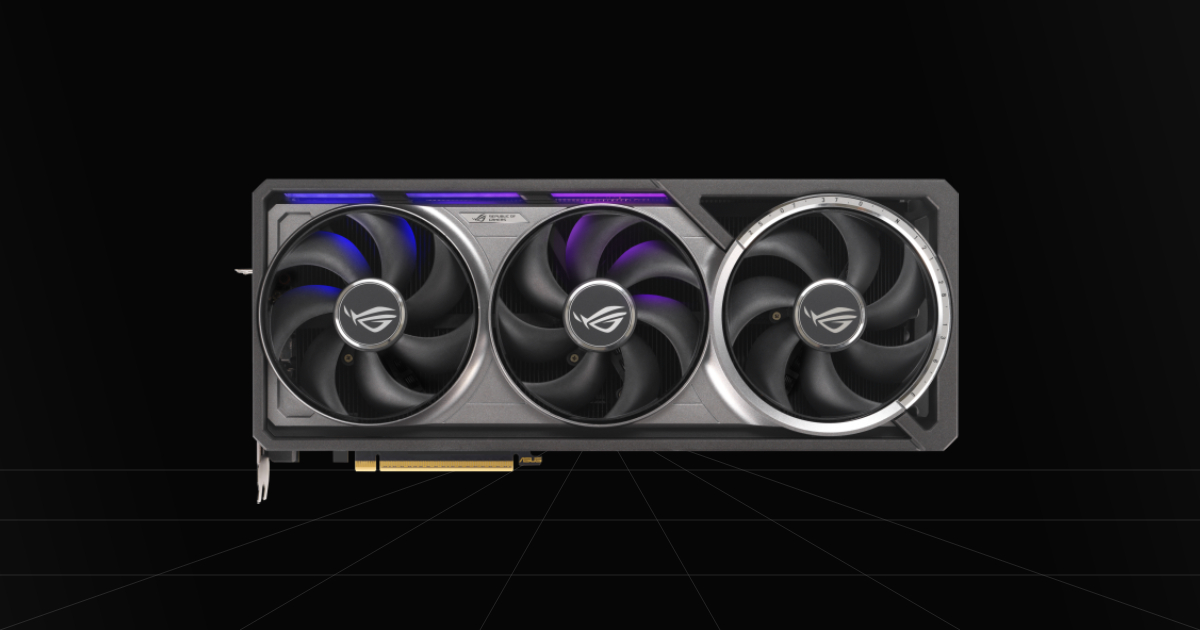
6. RTX 5090 - Ultimate Flagship
Quick Take
The undisputed champion of graphics cards, it will handle anything you want to throw at it. Not that you really have any other choice in this tier anyway, because this is simply the most powerful luxury graphics card on the market. If you want ultimate performance, this is the graphics card for you in literally any title, from playing demanding AAA games with maxed-out ray tracing to pushing 500+ FPS in esports titles.
The Catch
Sell your house. Maybe don't actually do that, but seriously, if you want an RTX 5090 and somehow haven't heard of it yet, it costs as much as what most people pay for an entire high-end gaming PC.
Where To Buy
➔ Check Price for ASUS ROG Astral RTX 5090 OC on Amazon
➔ Browse All RTX 5090 Cards on Amazon
Why We Chose It
We put this on the list simply for being the most powerful graphics card available on the market. However we aren't saying this is everyone's top GPU choice because most realistically aren't going to fork over that much cash. If you are looking for the best of the best, than you've found it, a graphics card designed for gaming that can do more than game with that impressive 32GB of VRAM. Having a lead over the RTX 5080 of around 30-40% in rasterization and higher AI TOPS, also means an even better performance with DLSS technology.
Pros & Cons
Pros
Lots of VRAM: The RTX 5090 has a massive 32GB of GDDR7 VRAM. It dominates any card for 4K gaming and ray tracing, and handles work-related tasks with ease, like 4K and 8K Blender rendering.
Top of the Line: Outperforms any graphics card on the market in gaming, with the absolute best DLSS, ray tracing, and rasterization performance available.
Cons
Extremely Overpriced: This card was launched at a disappointing $2,000 MSRP, but it's almost never seen close to MSRP, currently sitting at easily double the price.
Power Draw & Heat: The RTX 5090 power draw requirements are extremely high. You'll likely need a 1,200W power supply, unless you run AMD chips at lower wattage with PBO, and that massive power draw really drives up heat too.
Which GPU Should You Actually Buy?
If you want the short answer: for 90% of gamers, the RX 9070 XT is the absolute sweet spot for value, offering high-end 1440p and entry 4K frames without requiring a second mortgage. If you want Nvidia's superior feature set and heavier ray tracing, the RTX 5070 Ti is the best mid-range alternative, while budget gamers should stick to the RTX 5060 for high-framerate 1080p play and the RX 9070 GRE for 1440p gaming, that rivals mid-range power on a budget.
Just remember to check your current power supply unit (PSU) and case size clearance before buying, and keep an eye on live prices since GPU stock fluctuates constantly!